





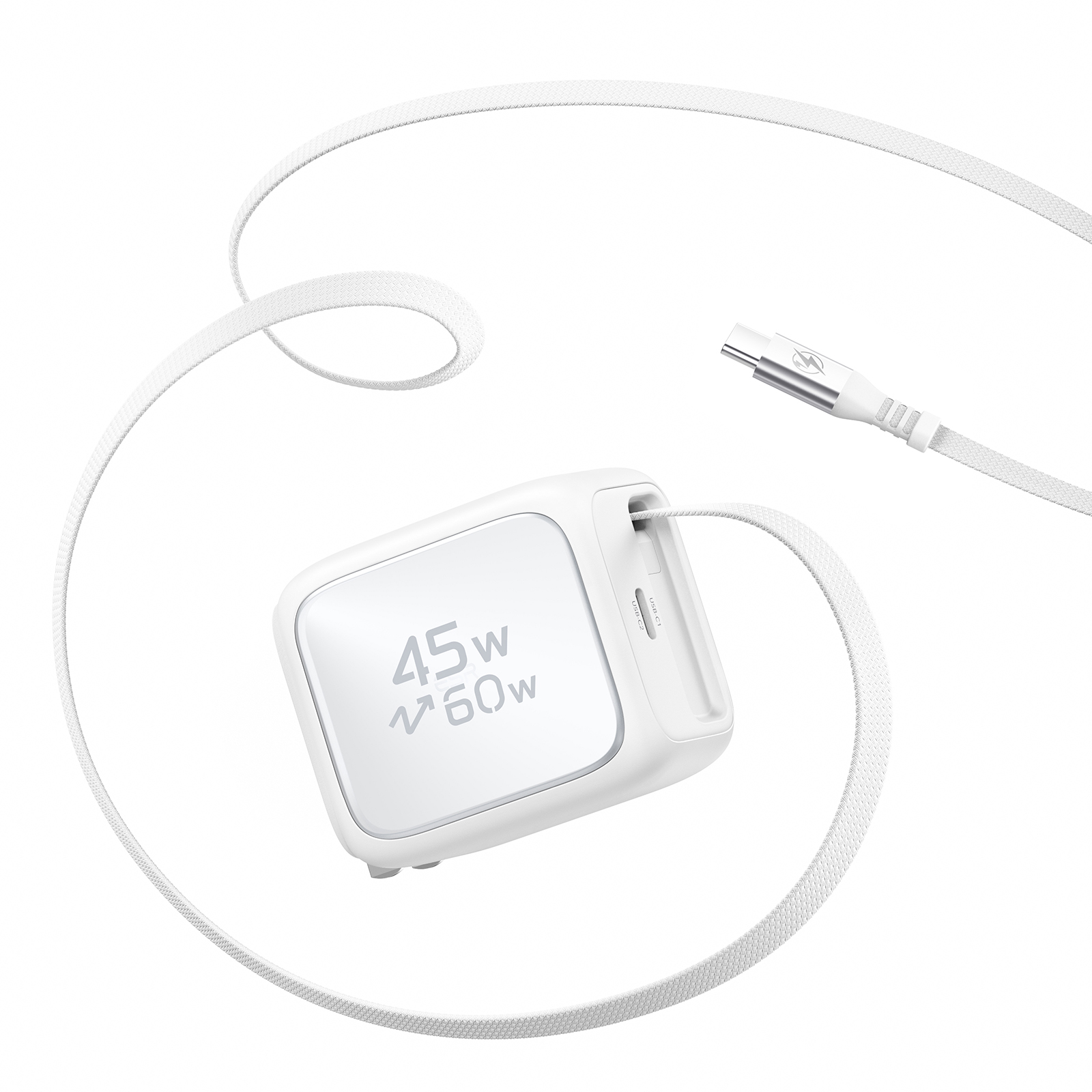
esr Xtend 45W Retractable Charger
Select a Model
Video is coming soon
Video is coming soon
FAQ
Need help? Our support team will reply within one business day.
Useful?
Select a Model
Video is coming soon
Video is coming soon
FAQ
Charging may slow down for the following reasons:
- Some devices, including Apple devices, reduce charging power after 80%.
- The device may not support 45W fast charging.
- The charging port may have a poor connection or contain debris.
- Power-intensive background activity can cause the device to heat up, triggering thermal protection and reducing charging power.
To troubleshoot:
- Try charging again when the battery level is below 50%.
- Check whether the device supports fast charging at 9V or higher.
- Check the charging port for debris and make sure the cable is securely connected.
- If the device is very hot or the ambient temperature exceeds 95°F (35°C), pause charging and move it to a cooler environment around 77°F (25°C). Resume charging once the temperature returns to normal.
When both USB-C ports are in use, the charger automatically distributes its available power between the connected devices based on their power needs. As a result, one device may charge more slowly, especially when charging a laptop and a phone at the same time.
The charger supports 5–20V and up to 3A, with a maximum total output of 45W when both ports are in use.
To charge one device faster:
- Make sure the device's required voltage and current are within the supported range.
- If one device requires more power, disconnect the other device to allow the first device to charge faster.
Yes. It is normal for the charger to feel slightly warm when operating at maximum fast-charging power. At an ambient temperature of 77°F (25°C), the charger stays within the applicable safety requirements, with its temperature remaining below 171°F (77°C).
The charger features dual temperature protection to help maintain safe operating temperatures and protect the charger during use.
This may happen for the following reasons:
- The device may not support charging protocols such as PD3.0, PD2.0, QC3.0, QC2.0, UFCS, AVS, or PPS. For example, some OPPO and Huawei phones support only proprietary charging protocols, which may prevent fast charging or stop charging altogether.
- The device’s charging port may have a poor connection or contain debris.
To troubleshoot:
- Check the device’s charging port for debris and make sure the connection is secure.
- Test the charger with another device, such as an iPhone or Samsung phone, to check whether it charges normally.
- If the issue persists, contact us for help.
Try the following:
1. Check the cable for significant deformation or twisting.
2. Pull the cable out slightly farther, then check whether it retracts properly. If it is already fully extended, gently pull it a little farther before checking.
3. If the issue persists, contact us for help.
Note: Avoid forcing the cable all the way out, as this may damage the cable.
A slight buzzing or humming sound is normal and usually comes from high-frequency vibrations in the charger's inductors and transformers. This is more common with GaN fast chargers and is easier to notice in a quiet environment.
As long as the charger is not unusually hot, there is no burnt smell, and it is working normally, the sound does not indicate a fault and is safe to use. To reduce the noise, try a different outlet or adjust the charger's position.
This may happen if the device is receiving less power than expected. Try the following:
- Make sure the device requires 45W or less.
- Make sure nothing is connected to the other USB-C port, including a Lightning cable, as it may affect power distribution.
- Check the charging port for debris and make sure the cable is securely connected.
- Try charging another device, such as an iPhone or Samsung phone.
Need help? Our support team will reply within one business day.
Useful?


