




ESR Tempered-Glass Privacy Screen Protector for iPhone
Select a Model
Video is coming soon
FAQ
Need help? Our support team will reply within one business day.
Useful?
Select a Model
Video is coming soon
FAQ
Bubbles can appear when dust or air gets trapped between the screen and the screen protector. For the best results, follow these steps:
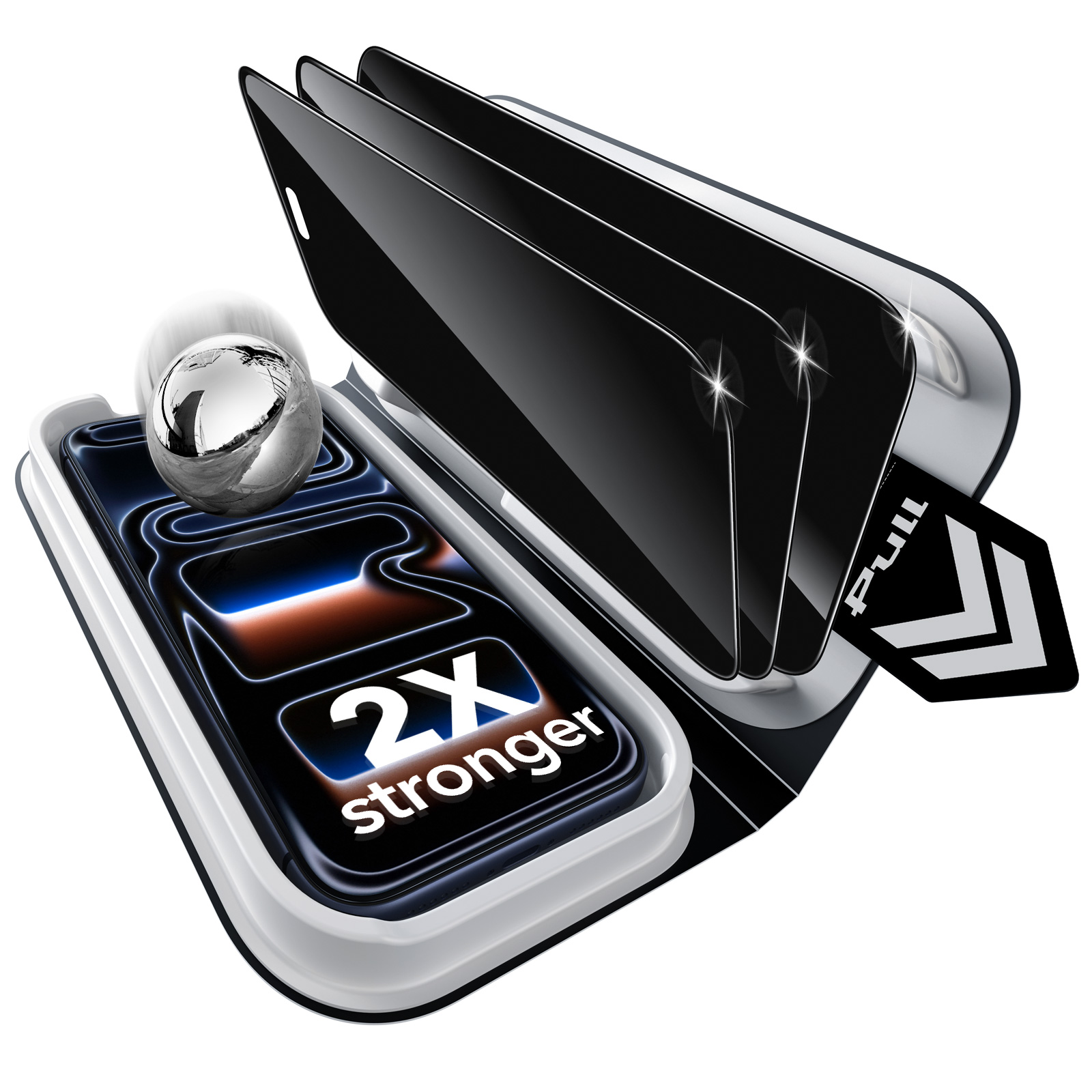
1. Place the UltraFit tray on a flat, level surface before installation to help ensure even pressure.
2. Close the tray, then press down on all four corners until you hear a clear “click.” Check that each corner is securely locked.
3. Pull out the tab, then remove your phone from the tray.
4. If small bubbles appear, gently push them toward the edges with a microfiber cloth.
5. For gaps around the edges, press down gently and guide the air toward the nearest edge with a microfiber cloth, credit card, ID card, or cardboard scraper.
Need help? Contact us at support@esrtech.com, and we’ll be happy to help.
1. Place your phone
Place your phone into the UltraFit tray, then gently press around the edges to make sure it sits flat and fully in place.
2. Close the UltraFit tray
Close the top cover, then gently press down to ensure the tray is securely locked for installation.
3. Remove your phone
After installation, slowly lift your phone out from the edge, keeping it steady as you remove it.
Issues with the edges not sticking are usually caused by one of two factors.
White edges or bubbles – These occur because the edges of your phone screen are slightly curved, leaving tiny air gaps after application. Press firmly along the edges to push out the air. A slight rebound is normal; just press again for a few seconds to ensure proper adhesion.
Case pressure – A third-party case that is too tight or has high inner edges can press against the glass and cause it to lift. We recommend using ESR cases, which are precisely designed for perfect compatibility with our screen protectors.
Carefully lift the corners to release any trapped air bubbles and avoid tearing. Keep the protector away from sharp objects and avoid bending it.
The privacy effect works by limiting the viewing angle of your screen. Its performance can vary depending on viewing angle, screen brightness, and surrounding lighting conditions.
For optimal results, keep the screen facing you directly and adjust the brightness to around 60%. Moderate ambient lighting also helps maintain a clear view for you while restricting side views.
Tempered-glass screen protectors are designed to provide strong protection. To keep them in optimal condition, proper installation and everyday care are important.
During installation or removal, handle the protector with care, especially when peeling off the film, removing air bubbles, or lifting a used protector.
In daily use, keep your phone away from hard or sharp objects such as keys, and avoid strong impacts on the edges or applying excessive pressure.
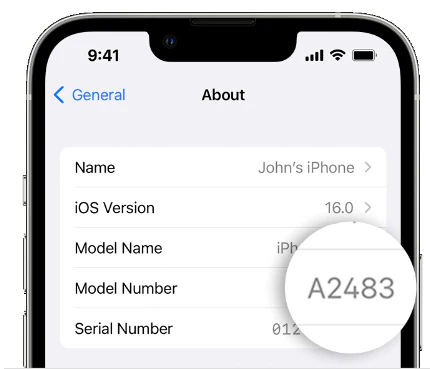
If the screen protector you ordered doesn't fit your device, please provide your device model name or model number. We'll send you the correct size at no additional cost, and no return is required.
To find your device model on an iPhone, go to Settings > General > About > Model Name / Model Number.
Need help? Our support team will reply within one business day.
Useful?


