





UltraFit Paper-Feel Screen Protector (Tempered Glass)
Select a Model
Video is coming soon
FAQ
Need help? Our support team will reply within one business day.
Useful?
Select a Model
Video is coming soon
FAQ
We recommend watching the installation video and reading the instruction manual for the best results.
·Power off your device before installation. A powered-off screen makes it easier to check for dust and smudges. Clean the screen thoroughly using an alcohol wipe followed by a lint-free cloth.
·Place the UltraFit tray on a flat, stable surface. Place your device in the tray, ensuring it is aligned and positioned correctly before closing the cover.
·Keep the installation tab level and steady, pulling it out smoothly at a consistent speed. Tilting or pausing during this step may cause air bubbles to form.
·For small air bubbles, use a dust-free cloth to push them out gently. If larger bubbles appear, carefully lift the tempered glass protector and reapply it to allow trapped air to escape.
If any bubbles remain, wait 24 hours, as some may disappear on their own.
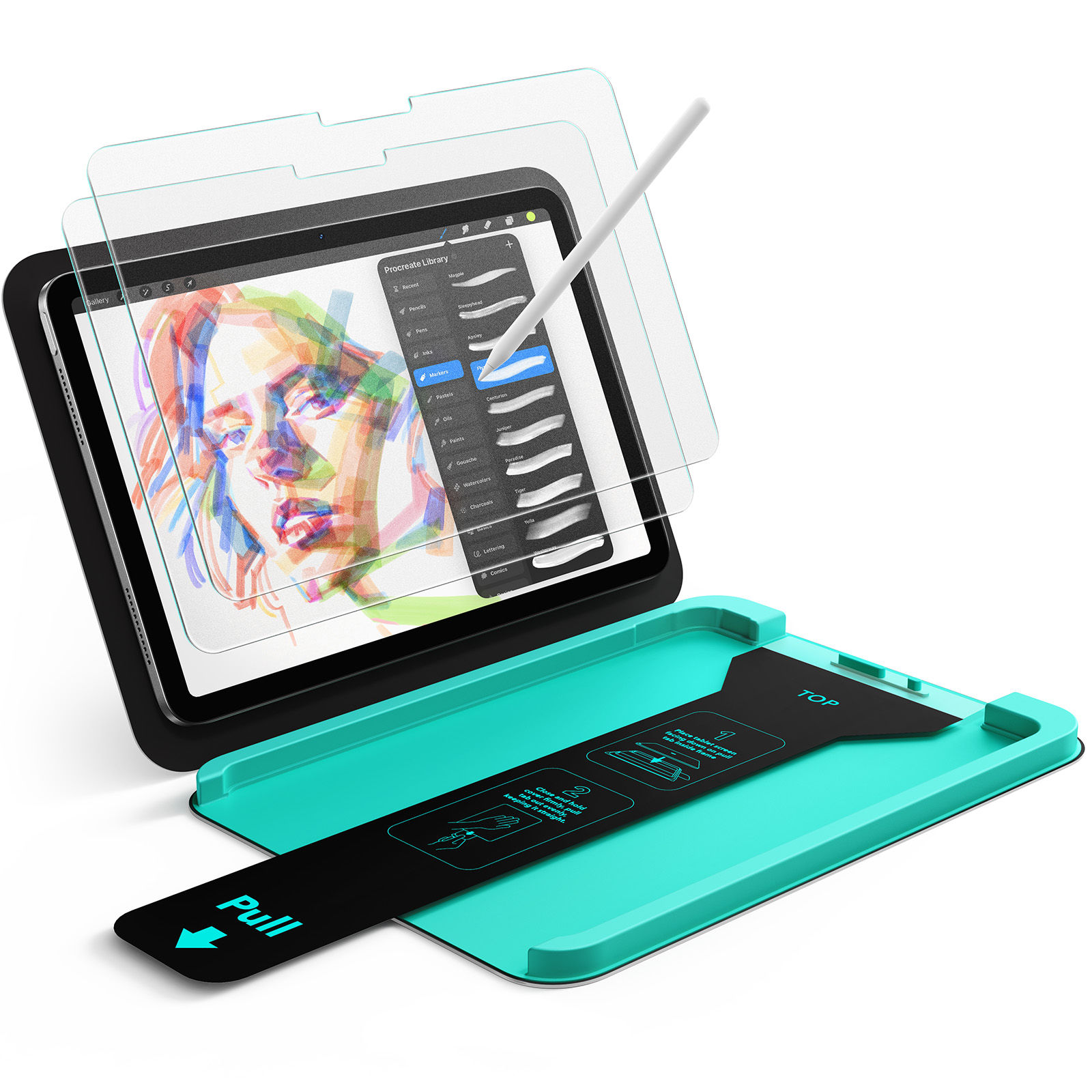
This screen protector features a paper-like matte film designed for a natural writing experience.
For long-lasting performance, keep it away from sharp objects and avoid contact with hard surfaces. Handle your device with care, especially around the edges and corners.
Before installation, thoroughly clean the iPad screen using the included cleaning tools. To preserve the screen protector’s adhesive performance, keep its adhesive layer dry and do not apply water, alcohol, or other liquids to it.
Just wipe it gently with a cloth to remove fingerprints and dirt. The high-definition tempered glass has a special anti-fingerprint coating, which makes it easier to keep clean and reduces smudges.
For the matte tempered glass writing film, you can use wet wipes to clean the surface. Regular cleaning will help maintain its clarity and performance.
Please send us a photo of the item you received, along with your shipping address, and we will send a free replacement.
The matte tempered-glass film features a finely textured surface that replicates the natural feel of writing on paper. This texture provides balanced friction, allowing for more precise control and a smoother writing or drawing experience with a stylus.
The same matte surface diffuses light, reducing glare and reflections. As a result, screen clarity and color vibrancy may be slightly reduced compared with a clear protector.
This writing film is specifically optimized for handwriting or sketching. If you’re unsure whether it’s the right fit for your needs, feel free to contact our customer support team for assistance.
Need help? Our support team will reply within one business day.
Useful?


