










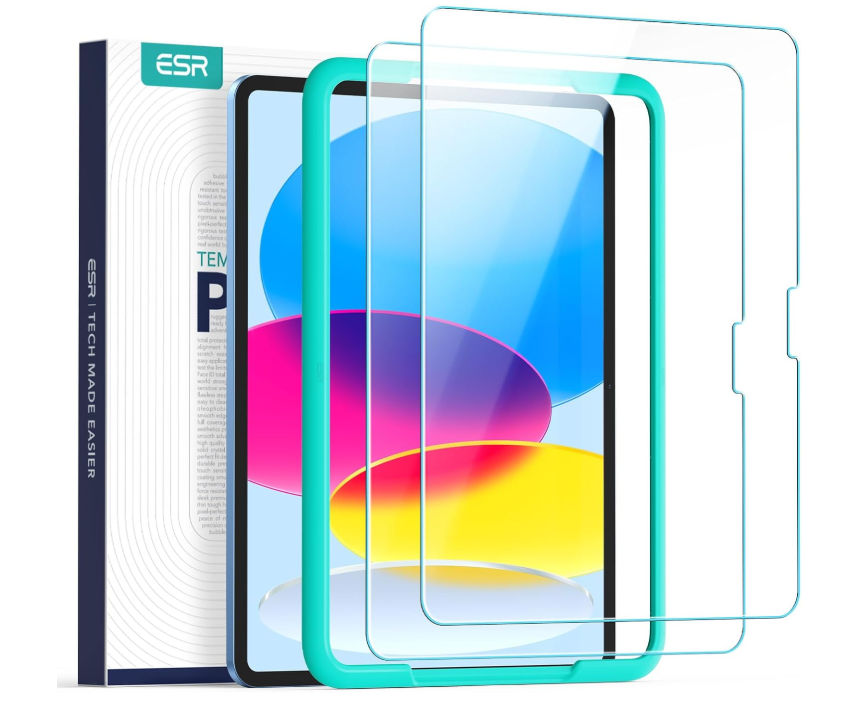
ESR Tempered-Glass Screen Protector(Alignment frame)
Select a Model
Video is coming soon
FAQ
Need help? Our support team will reply within one business day.
Useful?
ESR Tempered-Glass Screen Protector(Alignment frame)
Select a Model
Video is coming soon
FAQ
We recommend watching the installation video and reading the instruction manual for the best results.
- Clean the screen: Turn off the device (it's easier to check for dust on a black screen). Use an alcohol wipe then a dust-free cloth to clean the screen thoroughly.
- Use the alignment tool: Place the screen protector on a non-slip mat (screen facing up), attach the alignment frame to the tablet, and press the four corners to ensure a secure fit.
- Remove dust and apply the screen protector: Use a dust removal sticker for a second cleaning round. Peel off the release film and apply the protector within one minute. When applying, use a finger to draw a line along the center of the screen to guide the air out from the middle towards the edges.
- Remove air bubbles: Small bubbles: Wipe with a dust-free cloth to push them out.Large bubbles: Gently lift the tempered glass to allow the trapped air to escape, then reapply.
If any bubbles remain, wait 24 hours, as some may disappear on their own.
To reduce the risk of damage, avoid direct contact or impact with hard objects, especially on the edges and corners.
Before installation, clean your iPad screen with the included alcohol wipe and microfiber cloth, paying special attention to the edges.
If you notice slight lifting after application, gently press along the lifted area using the microfiber cloth or your fingertip, pushing outward toward the edge. Apply firm, even pressure to ensure full adhesion.
- Just wipe it gently with a cloth to remove fingerprints and dirt. The high-definition tempered glass has a special anti-fingerprint coating, which makes it easier to keep clean and reduces smudges.
- For the matte tempered glass writing film, you can use wet wipes to clean the surface. Regular cleaning will help maintain its clarity and performance.
Each package includes two screen protectors. If one is undamaged, you may apply it first to keep your iPad protected.
Then contact our customer support team with clear photos and your shipping address. We’ll arrange a replacement for you as soon as possible.
Need help? Our support team will reply within one business day.
Useful?


