




iPad Keyboard Cases | Tablet Keyboards for Apple iPad Pro, Air, iPad mini, and Entry-Level iPad
Turn your iPad into a laptop — without paying Apple prices.
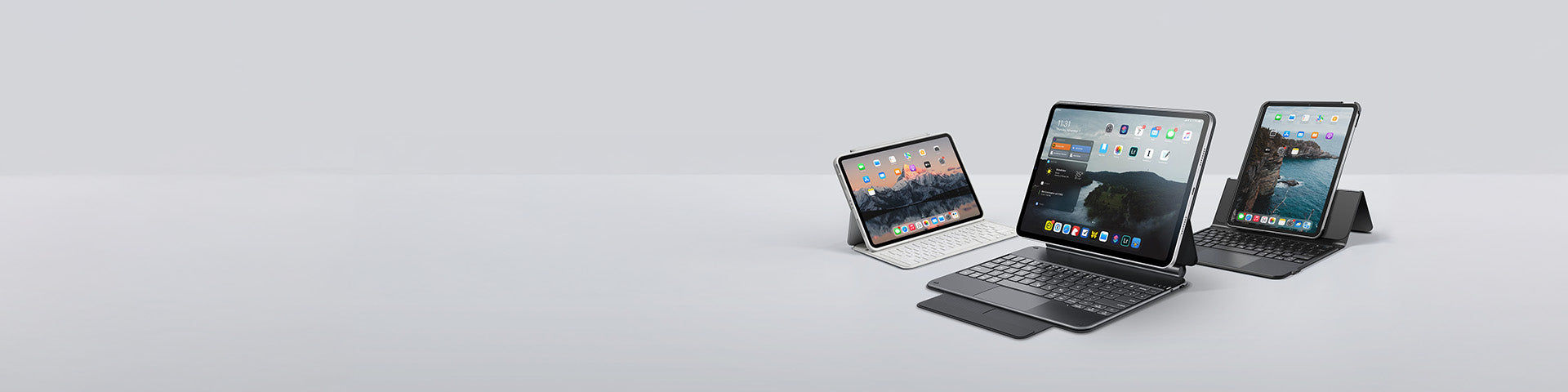
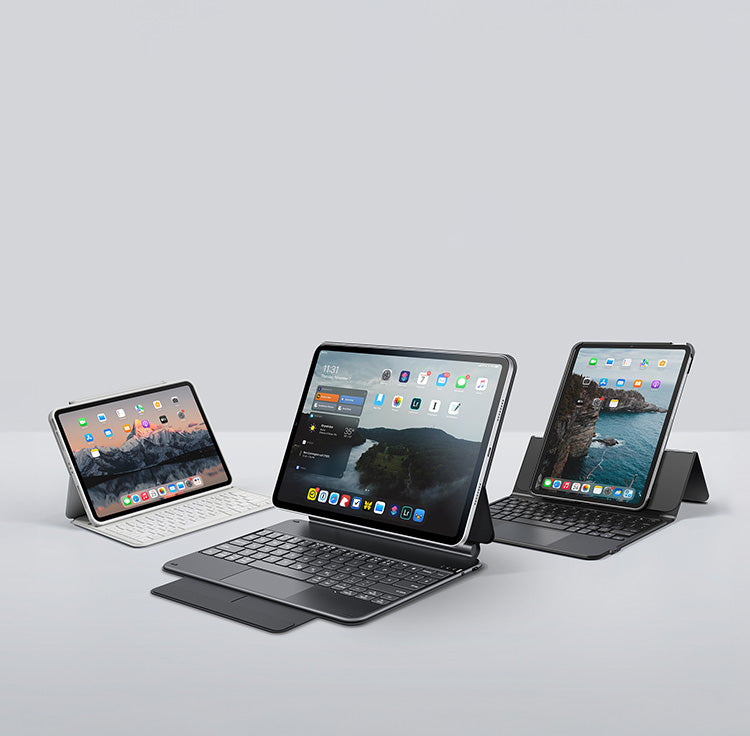
We offer a range of high-quality iPad bluetooth keyboard cases for iPad Pro 11" and 13", iPad Air 11" and 13", and iPad A16(11th gen),10th gen,mini and or. Our collection of tablet keyboards provides a variety of versatility, protection, productivity and color options. These iPad keyboards allow you to get more out of your iPad no matter where you are or what you're doing.
ESR Keyboard Case Highlights:
Up to 60% cheaper than the Magic Keyboard
Magnetic & detachable design
Laptop-like typing + full protection




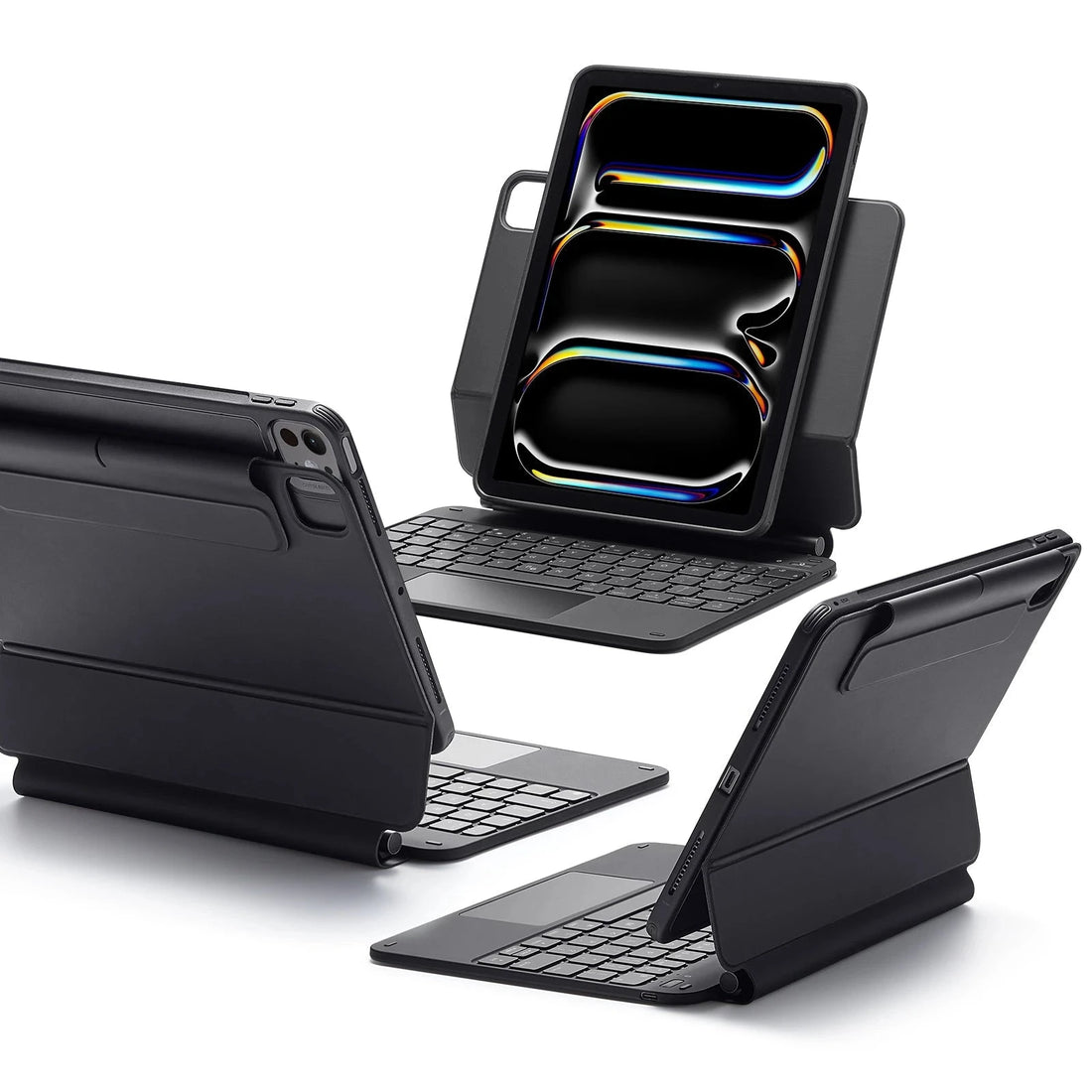


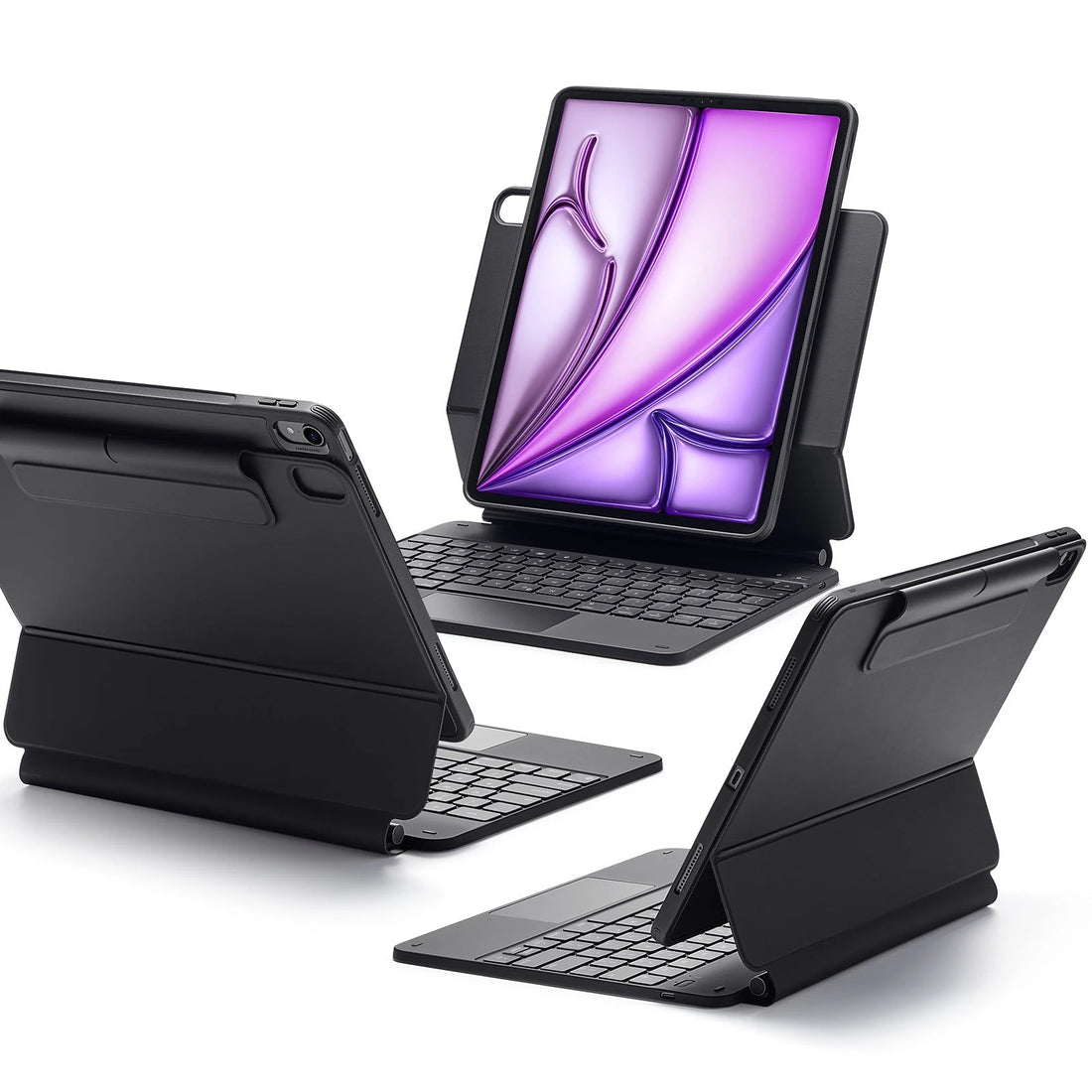

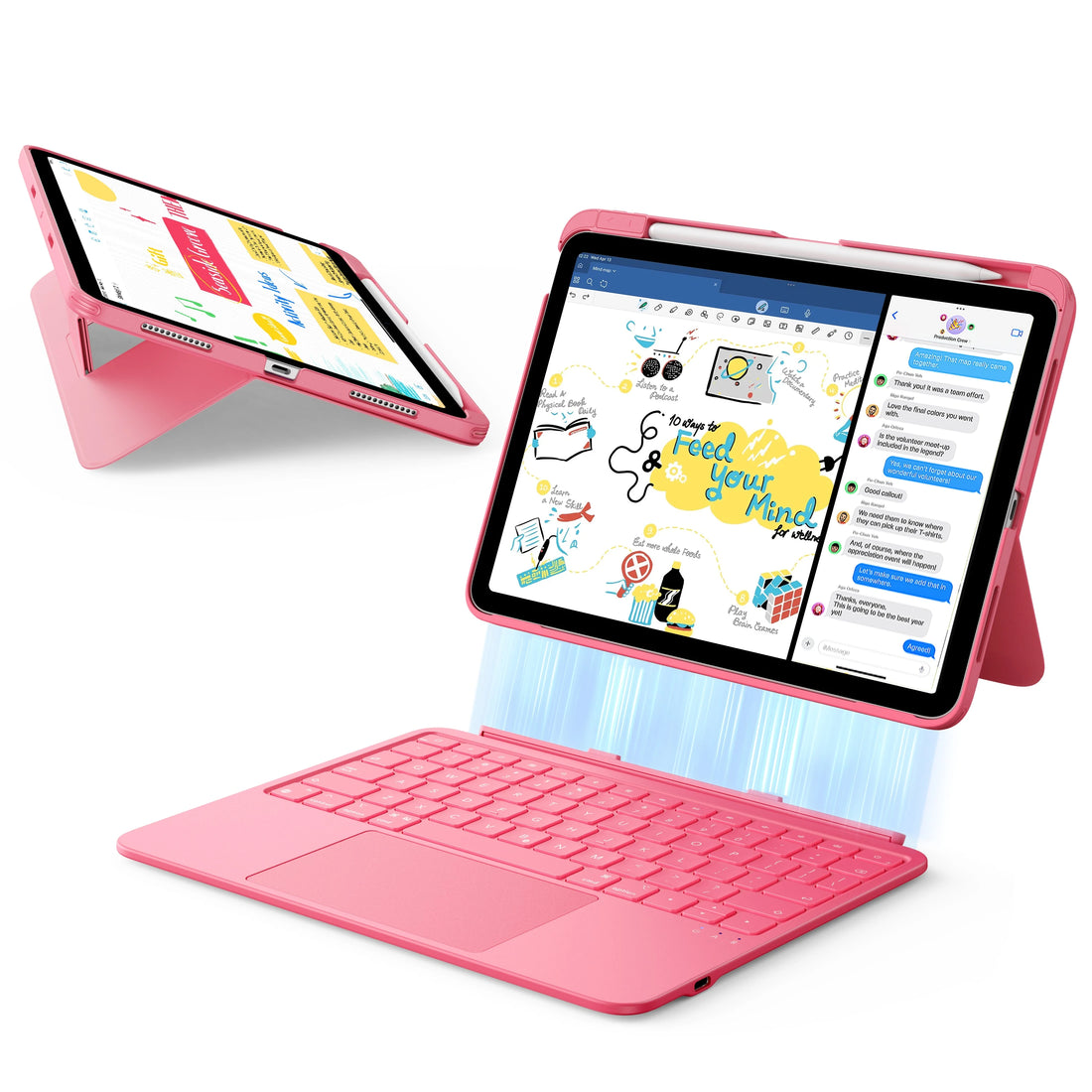


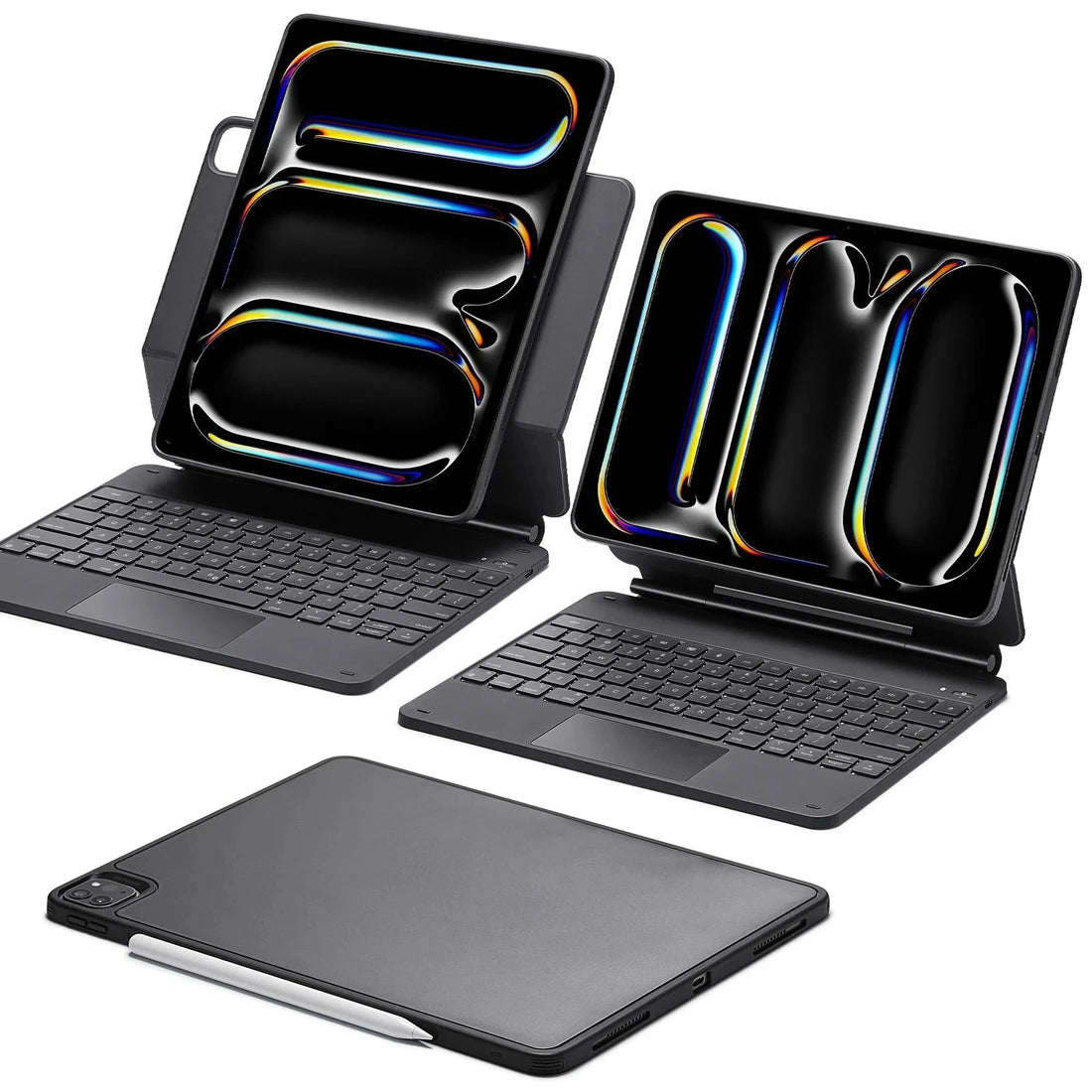
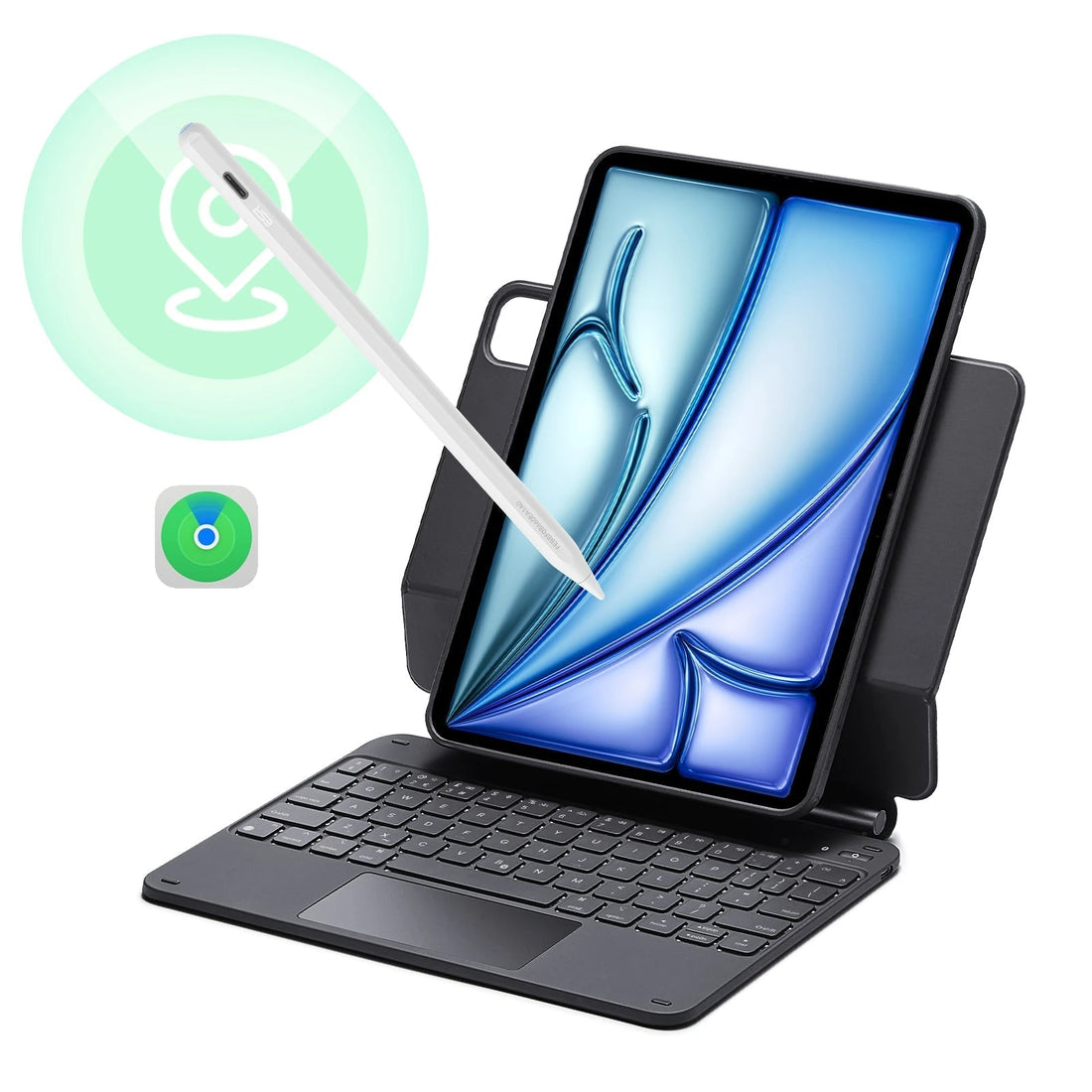


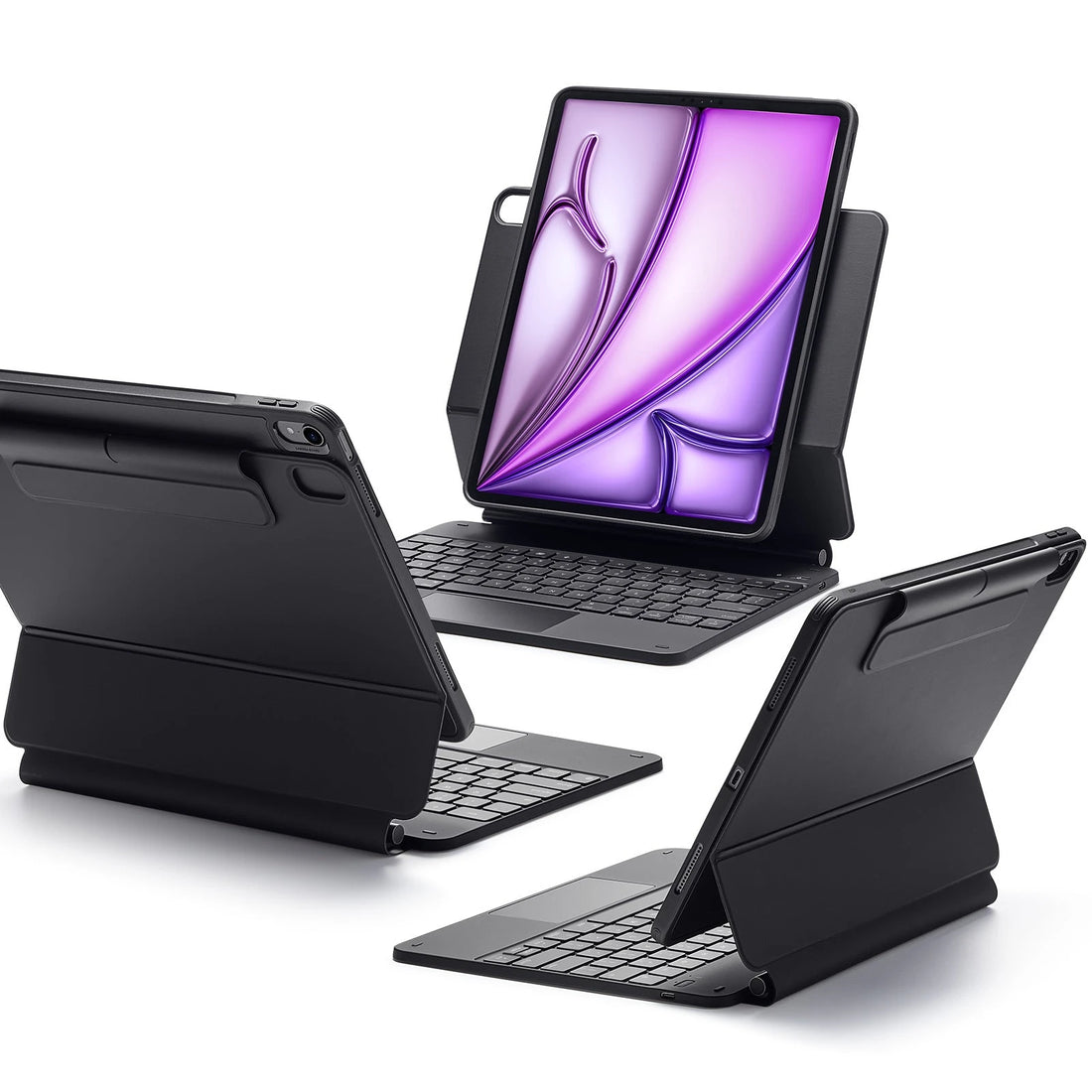

Why Choose an ESR iPad Keyboard Case?
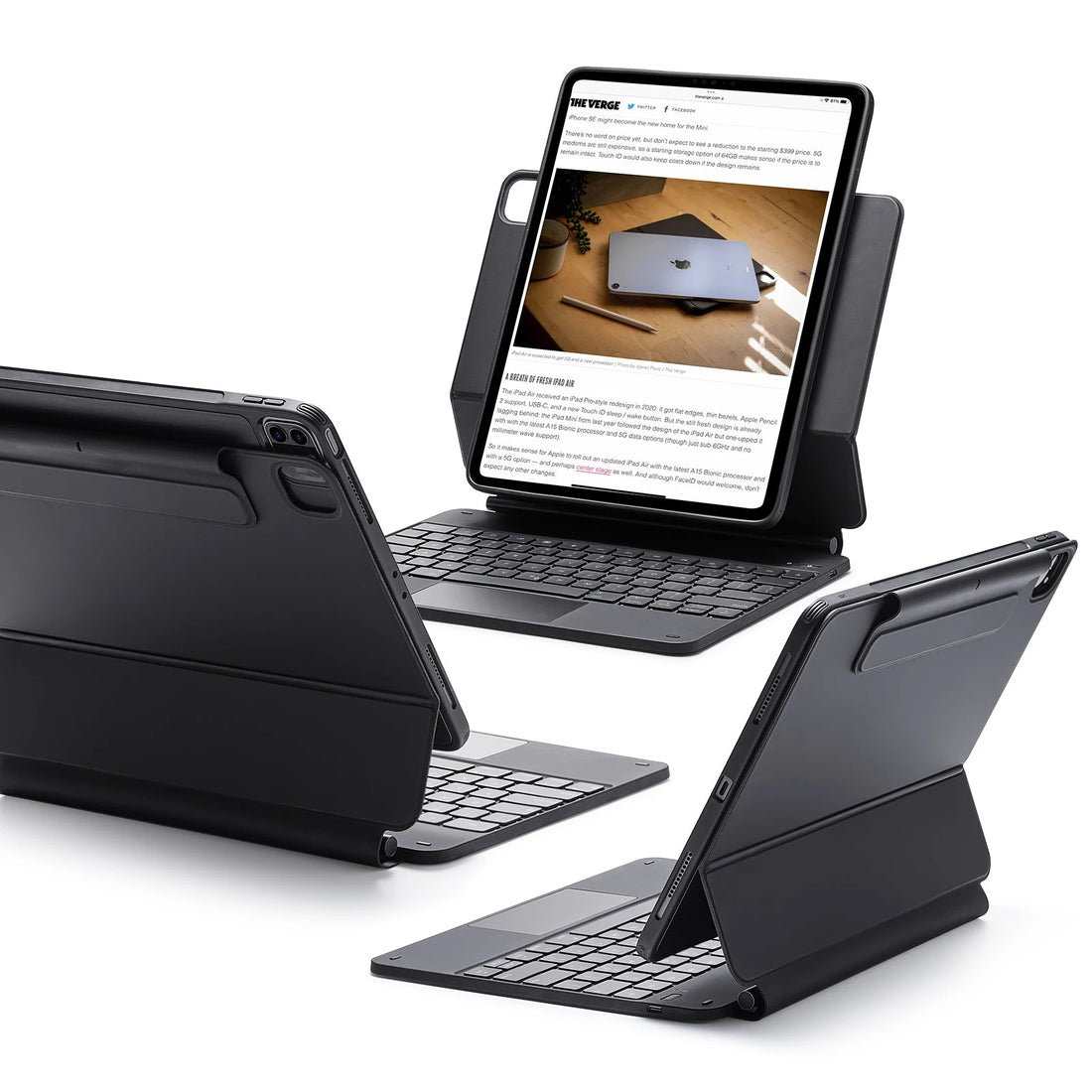
ESR iPad keyboard cases are designed for people who want to type, navigate, and protect their iPad in one portable setup, without needing a separate keyboard or sacrificing usability.
The current lineup covers compatible iPad Pro, iPad Air, and standard iPad models across three series: Shift, Rebound Magnetic, and Flex. Each takes a different approach depending on how you work, whether that's regular typing at a desk, switching between keyboard and tablet use, or traveling with your device.
Selected models include multi-touch trackpads, magnetic attachment, adjustable stands, and multiple viewing orientations. Features vary by model and iPad generation; check compatibility before ordering.
Do ESR iPad Keyboard Cases Have a Trackpad?
Yes. Most current ESR iPad keyboard cases include a multi-touch trackpad.
Compatible Shift, Rebound Magnetic, and Flex cases support cursor movement, scrolling, content selection, and supported iPadOS Multi-Touch gestures, which are useful when editing documents, browsing, or switching between apps.
Trackpad size and available gestures vary by model. Tracking speed and Tap to Click can be adjusted in iPadOS Settings on compatible devices.
You can:
Move the cursor
Tap or click
Use gestures like scrolling and switching apps
Trackpad settings are adjustable
You can customize things like sensitivity and “tap to click” in iPad settings.
Is the ESR Shift Keyboard Case a Good Alternative to the Apple Magic Keyboard?
For most users, the Shift Keyboard Case is the closest equivalent to the Apple Magic Keyboard in ESR's current lineup.
It pairs full-size keyboard typing and a large multi-touch trackpad with a detachable design, so you can separate the keyboard when you want to use your iPad for reading, drawing, or watching. The stand adjusts to multiple angles, and compatible models support both landscape and portrait orientations.
That flexibility is the main distinction from the Magic Keyboard: the keyboard and case are independent, so you're not locked into a fixed typing configuration. For users who move regularly between work and tablet use, that difference matters.
Recommended for Magic Keyboard-style flexibility: Shift Keyboard Case.
Recommended for protection and multi-mode viewing: Rebound Magnetic Keyboard Case 360.
Which ESR Keyboard Case Is Right for My iPad?
The right option depends on how you use your iPad.
Best all-round option — Shift Keyboard Case: best all-round Magic Keyboard alternative. Detachable keyboard, large trackpad, adjustable stand, landscape and portrait support on compatible models. Good for users who regularly switch between typing and tablet use.
Best for protection and versatility — Rebound Magnetic Keyboard Case 360: built for users who want protection alongside a keyboard. The detachable back case supports landscape, portrait, and raised-screen positions on compatible models, making it practical for commuting, travel, video calls, and desk work.
Best for desk use — Rebound Magnetic Keyboard Case: a straightforward laptop-style setup with a floating cantilever stand, comfortable typing, and trackpad control on compatible models. Better suited to desk use than frequent travel.
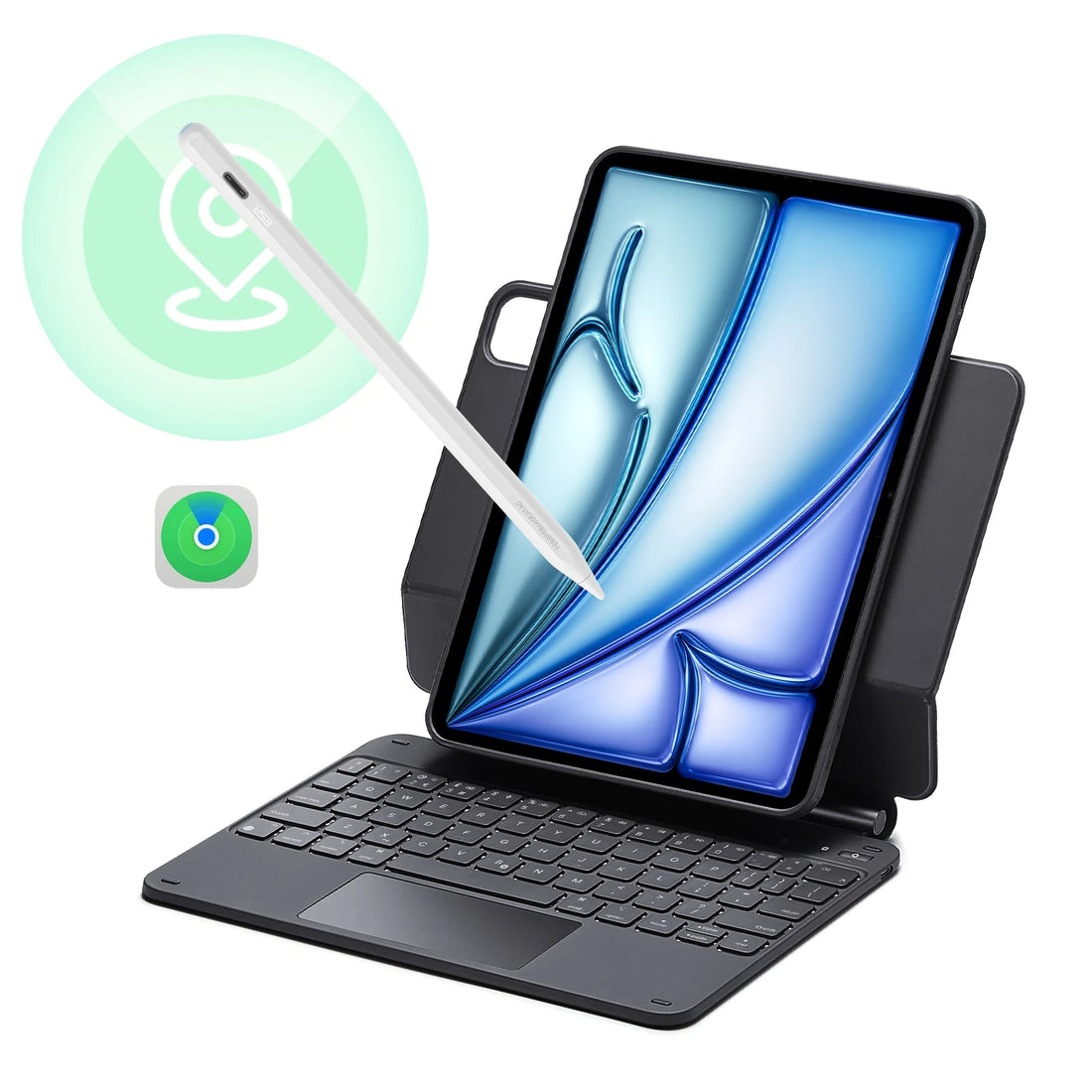
Best lightweight option — Flex Keyboard Case: lighter and detachable, with a trackpad and adjustable viewing positions. A practical choice for everyday work, study, or travel when you want a keyboard without the added bulk of a more protective case.
Compatibility and available features differ between iPad models and generations. Check the exact product listing for your device before ordering.
How Do I Choose the Right ESR iPad Keyboard Case?
Start with your iPad model and generation, not screen size alone. Two iPads with the same screen size can differ in dimensions, camera placement, or magnetic attachment points; a case specified for a different model may not fit or function correctly.
Once compatibility is confirmed, match the series to how you'll use it:
For switching between keyboard and tablet use — Shift: designed for users who regularly move between typing and tablet use.
For protection and versatile viewing — Rebound Magnetic Keyboard Case 360: suited to users who want multiple viewing positions alongside added protection.
For a stable desk setup — Rebound Magnetic Keyboard Case: suited to desk-based use with a floating stand.
For lighter everyday carry — Flex: a lightweight option for everyday work, study, and travel.
If you're unsure which iPad you have, go to Settings > General > About and check the Model Name or Model Number.
Do I Need a Screen Protector with an iPad Keyboard Case?
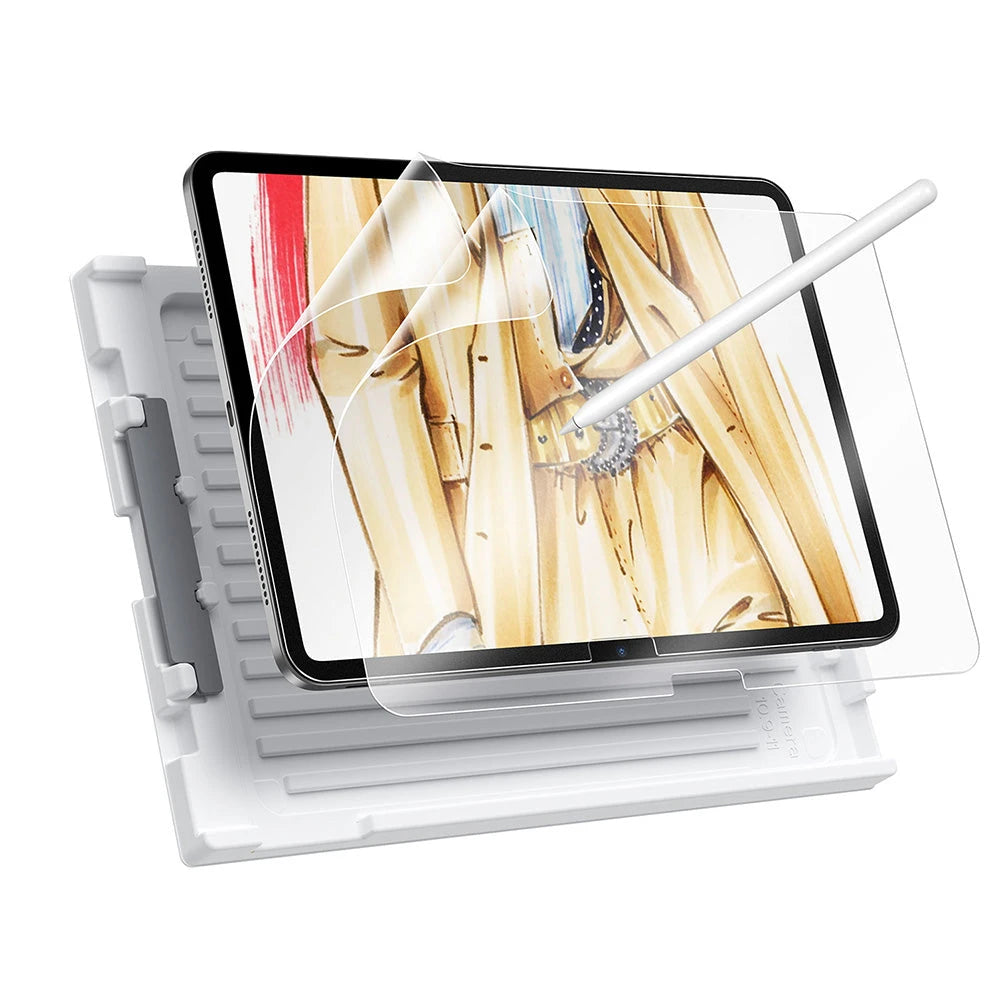
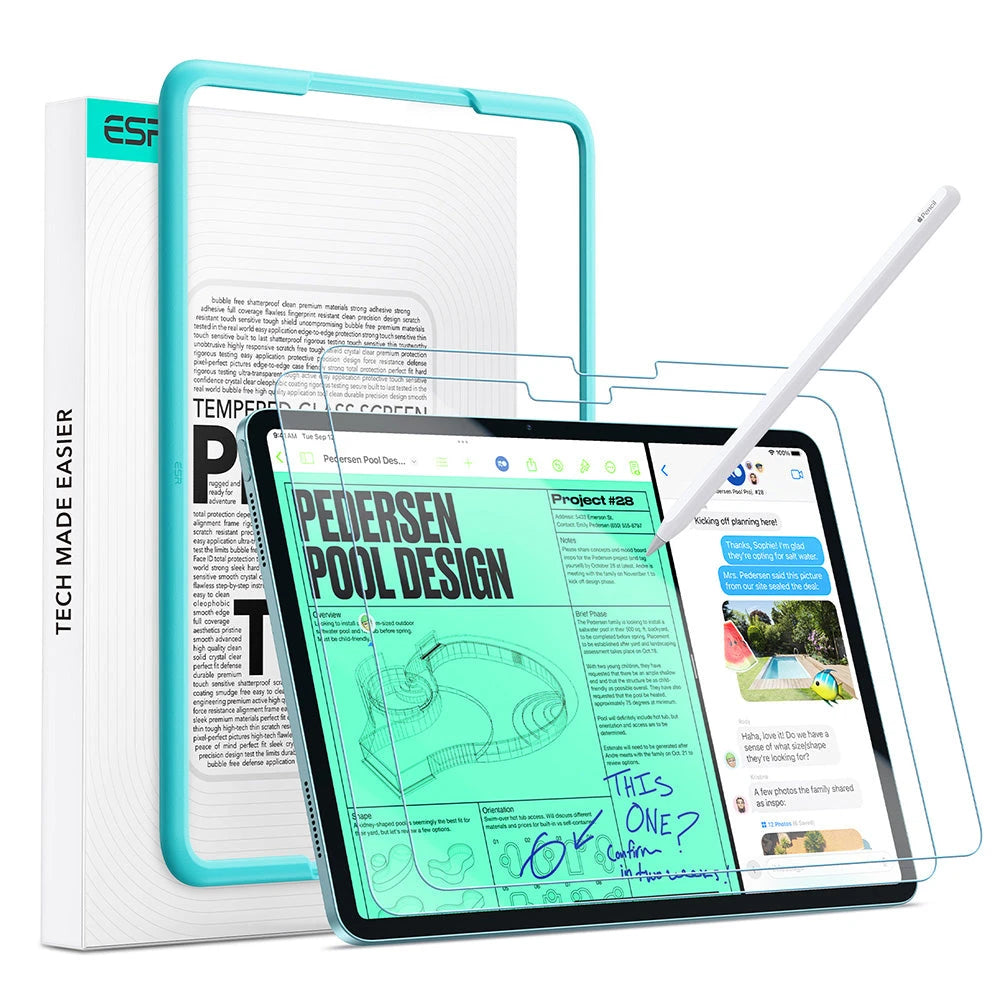
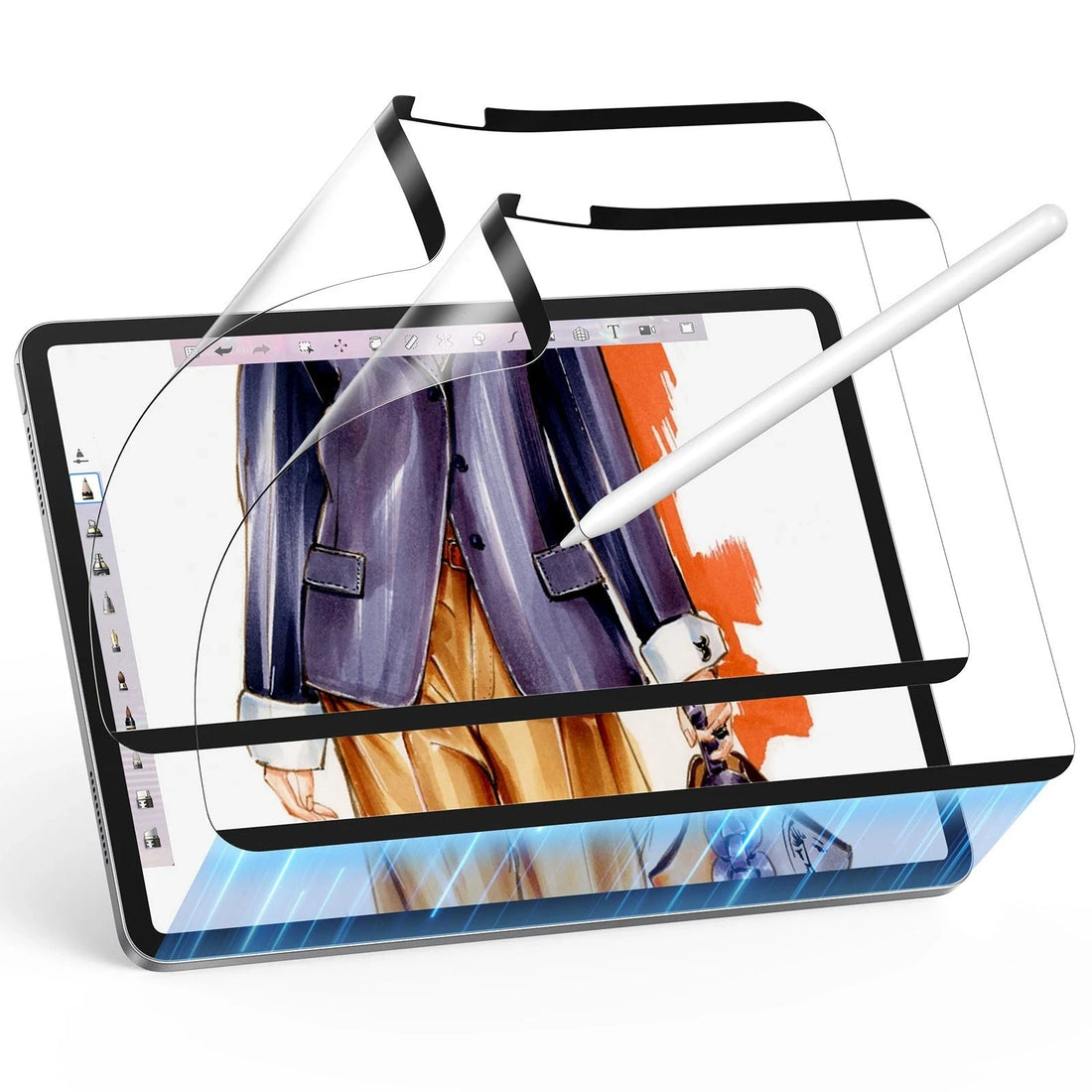
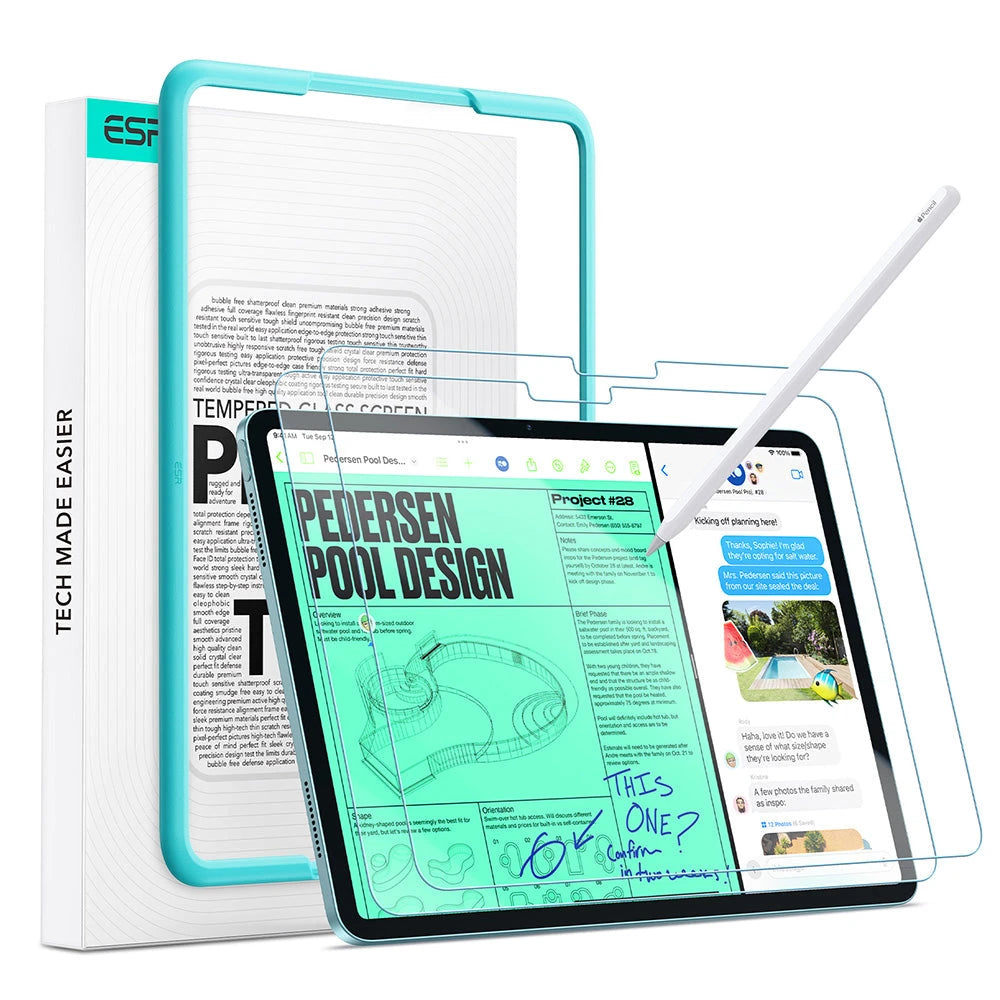
A keyboard case protects the back, sides, and edges of your iPad, but not the screen. A screen protector adds an extra layer of protection against scratches and accidental contact, especially if you carry your iPad with other items in a bag.
Recommended for everyday screen protection — ESR Armorite® Pro Screen Protector: made with Accessory Glass by Corning™, it provides clear, scratch-resistant protection without changing the original screen feel.
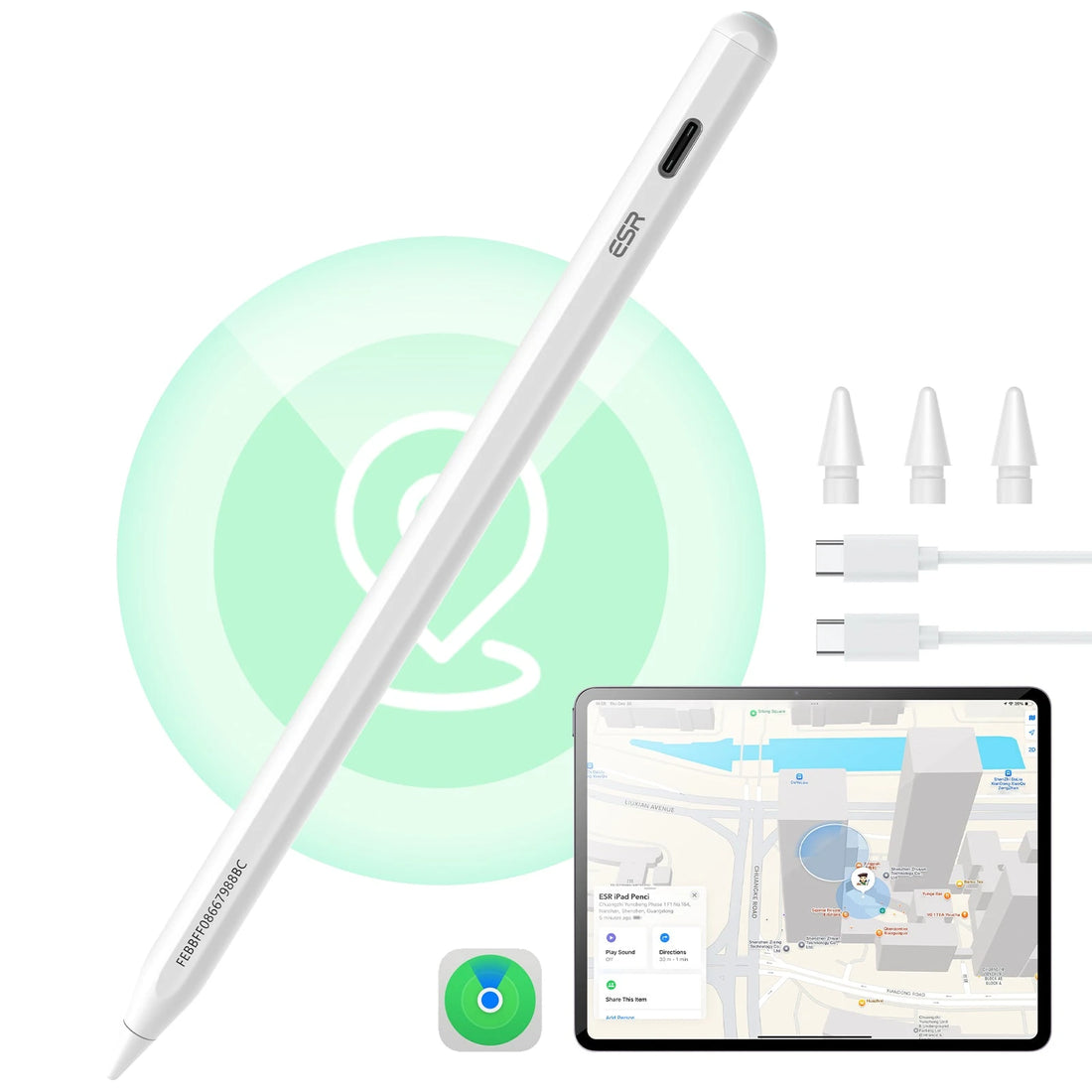
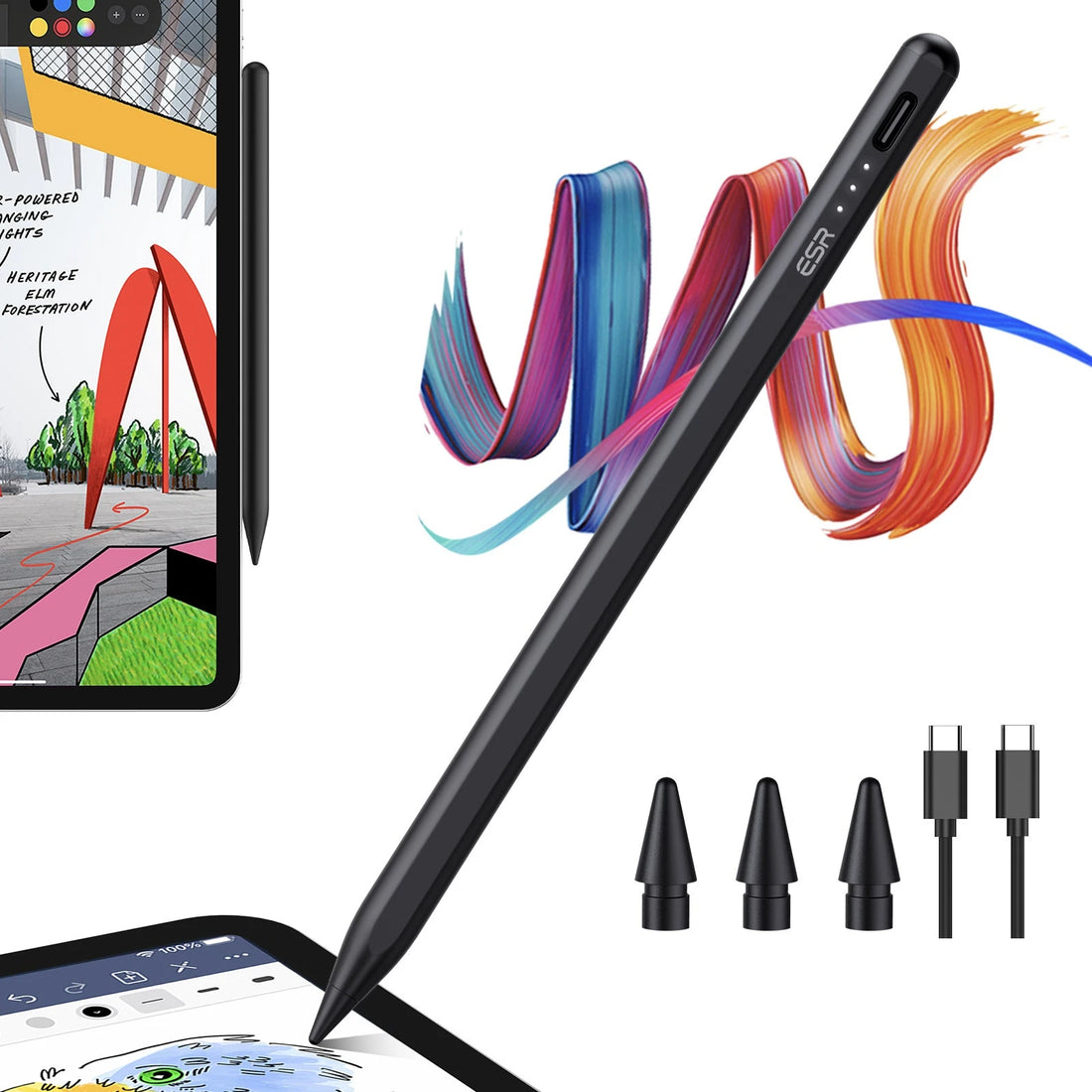
Recommended for writing and drawing — Classic Paper-Feel / Armorite® Paper-Feel: Paper-Feel options provide a more suitable surface if you use Apple Pencil regularly.
Recommended for removable Paper-Feel protection — Magnetic Paper-Feel: you can remove the Magnetic version when you want the original display experience.
A screen protector works alongside a keyboard case, not instead of it. The right choice depends on how you use your iPad.
- Featured
- Most relevant
- Best selling
- Alphabetically, A-Z
- Alphabetically, Z-A
- Price, low to high
- Price, high to low
- Date, old to new
- Date, new to old
Die besten iPad-/Tablet-Tastaturhüllen von ESR
Warum dich mit einem Tablet begnügen? Verwandle dein Gerät mit der Präzision, dem Schutz und der Leistung der beliebtesten Tastaturhüllen von ESR in einen mobilen Arbeitsplatz.


Mehr als nur Tasten. Rundumschutz für dein iPad – vom Display bis zur Rückseite. Optimiere deinen Alltag mit dem ESR-Schutzpaket.




![[Color] iPad Air 11-inch (M4) Removable Keyboard Case & Geo Pencil | ESR Flex](http://www.esrtech.com/cdn/shop/files/iPad-Air-11_-_M4_-2026_-Flex-Tastaturhulle-_abnehmbar_-mit-Geo-Pencil-Bundle-DE-Layout-Dark-Gray-ESR-235630760.jpg?v=1772643421&width=1100)


