






Styluses Pencil
Stylus Pens for Tablets, Best iPad Pro/Air/mini Digital Pencils
Write, sketch, and mark up documents with an ESR stylus pen made for iPads.
Explore responsive digital pencils with palm rejection, tilt sensitivity, magnetic attachment, and replaceable nibs. Choose the Geo Digital Pencil for built-in Find My, or compare models to find the right Apple Pencil alternative for your everyday workflow.
![[Color] iPad Air 11-inch (M4) Removable Keyboard Case & Geo Pencil | ESR Flex](http://www.esrtech.com/cdn/shop/files/iPad-Air-11_-_M4_-2026_-Flex-Tastaturhulle-_abnehmbar_-mit-Geo-Pencil-Bundle-DE-Layout-Dark-Gray-ESR-235630760.jpg?v=1772643421&width=1100)


Which ESR stylus works with my iPad?
Both the ESR Geo Digital Pencil and Digital Pencil for iPad work with iPad models released in 2018 or later. This covers selected iPad Pro, iPad Air, iPad mini, and standard iPad models.
To confirm your specific model before ordering, go to Settings / General / About and check the Model Name and Model Number against the compatibility list on the product page.
What is the difference between the ESR Geo Digital Pencil and the Digital Pencil for iPad?
Both pencils work with the same range of compatible iPads (2018 or later) and share the same core features: palm rejection, tilt sensitivity, magnetic attachment on supported iPads, and replaceable nibs.
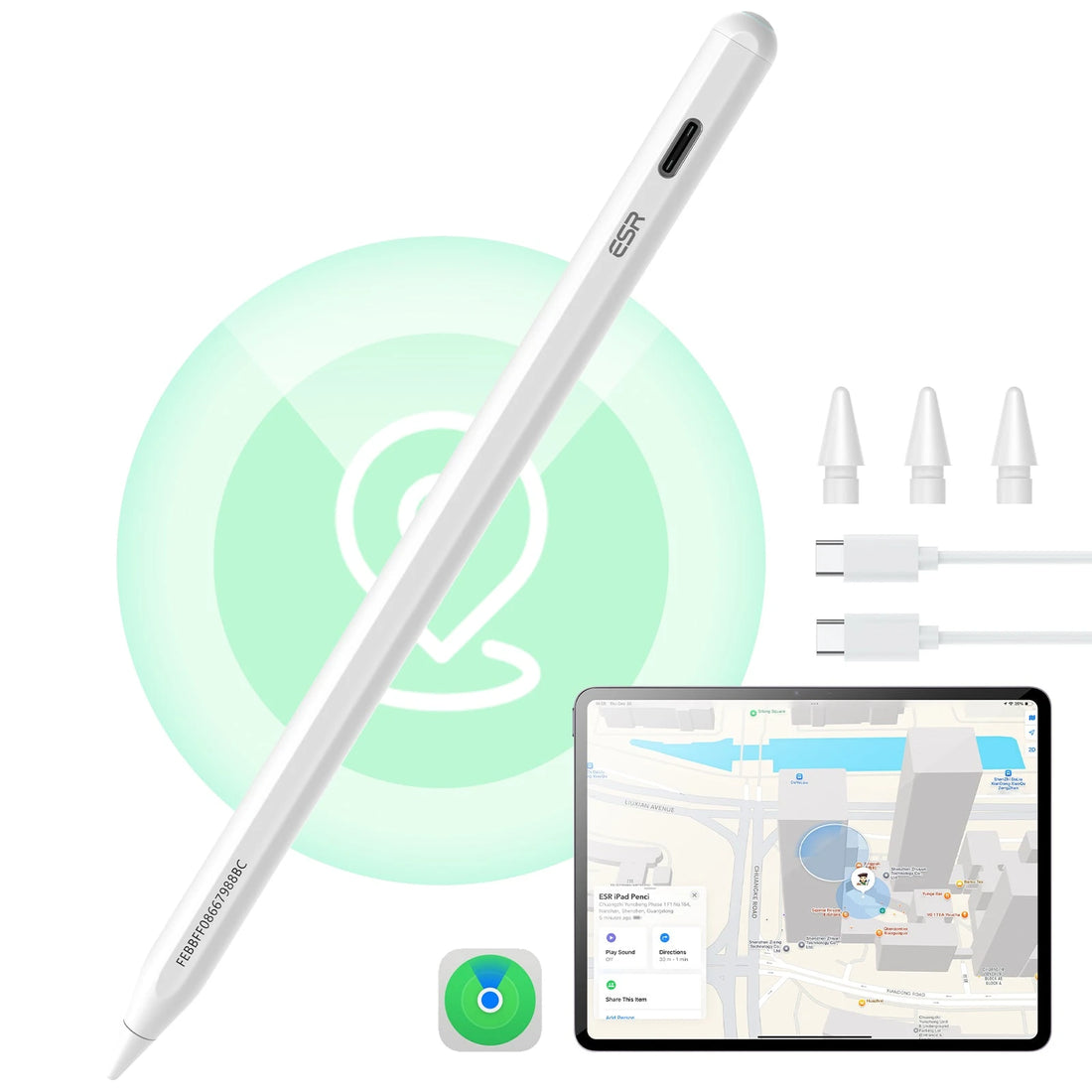
The Geo Digital Pencil adds built-in Apple Find My support and a shortcut button. Press it once to return to the iPad Home Screen, or twice to open Multitasking View. The standard Digital Pencil covers writing and drawing but lacks Find My and those navigation shortcuts.
How does Find My work on the ESR Geo Digital Pencil?
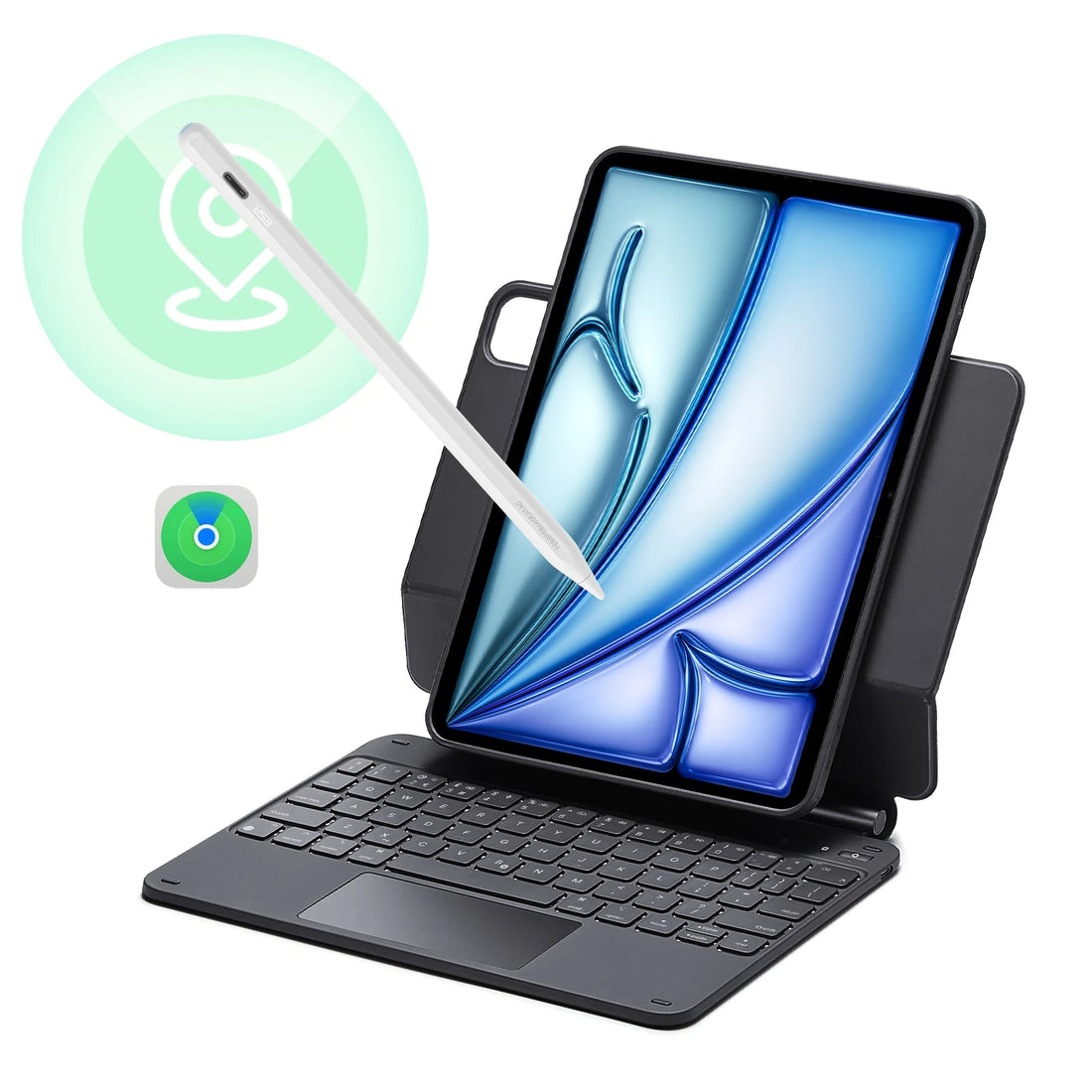
Add the Geo Digital Pencil to Apple's Find My app during initial setup. From there, you can check its last known location or make it play a sound when it's nearby but out of sight.
Each pencil pairs with one Apple ID and can be accessed from multiple Apple devices signed into the same account. Find My setup is a one-time step. The two functions, writing and Find My, run independently of each other.
How long does an ESR Digital Pencil take to charge?
The Geo Digital Pencil charges via USB-C and reaches a full charge in approximately 20 minutes.
Charging time and battery life for the standard Digital Pencil for iPad vary by model; check the product page specs before buying.
Is there noticeable writing lag compared with an Apple Pencil?
For handwritten notes, document markup, and general sketching, strokes track smoothly and lag isn't an issue. Most users coming from a basic capacitive stylus will notice an immediate improvement.
At faster drawing speeds, quick diagonal lines, and loose gesture strokes, some difference compared to the Apple Pencil is possible and becomes more apparent as pace increases. For professional illustration where stroke speed and precision matter simultaneously, that's worth factoring in.
Lag and pressure sensitivity are separate limitations. ESR digital pencils don't support pressure sensitivity, which tends to affect detailed artwork more than response time.
Does the ESR Digital Pencil work with Procreate, GoodNotes, Notability, and OneNote?
Writing, drawing, and navigation all work in Procreate, GoodNotes, Notability, OneNote, and most other popular iPad apps. Palm rejection is available across these apps on compatible iPads.
Tilt sensitivity is confirmed in Apple Notes. ESR hasn't confirmed tilt sensitivity in GoodNotes or OneNote, so results may vary in those apps.
Pressure sensitivity is not supported on any ESR digital pencil. In Procreate, pressure-controlled brush width and opacity won't respond to how hard or lightly you press. For note-taking apps like GoodNotes or Notability, this does not affect everyday handwriting.
What does the shortcut button on the ESR Geo Digital Pencil do?
It handles system navigation rather than switching drawing tools. One press returns you to the iPad Home Screen; two presses open Multitasking View.
The standard Digital Pencil for iPad doesn't include this button. If you regularly move between apps during a study or work session, the Geo eliminates the need to reach the corner of the screen each time.
Can I use the ESR Digital Pencil while it is charging?
The USB-C port sits at the end of the pencil, so writing with the cable attached isn't comfortable and puts unnecessary strain on the connector. Disconnect before using it.
The Geo Digital Pencil reaches a full charge in around 20 minutes, making it easy to charge during a short break rather than trying to write while it's plugged in.
How can I preserve the battery when I am not using my ESR Digital Pencil?
Switch it off manually after a session, especially before putting it in a bag. Sleep mode is fine for short pauses during the day, but leaving it in sleep mode for a day or two will drain the battery. Switching it off properly after use means it remains charged for when you next need it.
Will an ESR Digital Pencil nib scratch my iPad screen?
The nib is designed for direct use on iPad glass and won't damage a clean screen under normal conditions. When scratches do appear, they're almost always caused by grit or dust caught between the nib and the screen, the same issue that can happen with any stylus.
Keep both the screen and nib clean, and replace the nib when it feels rough or shows visible wear. A paper-feel screen protector creates more friction than smooth glass, so expect the nib to wear faster if you use one.
- Featured
- Most relevant
- Best selling
- Alphabetically, A-Z
- Alphabetically, Z-A
- Price, low to high
- Price, high to low
- Date, old to new
- Date, new to old


