










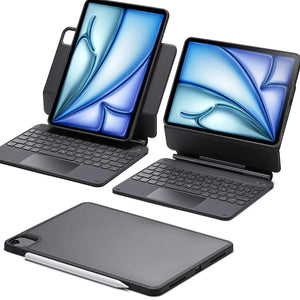
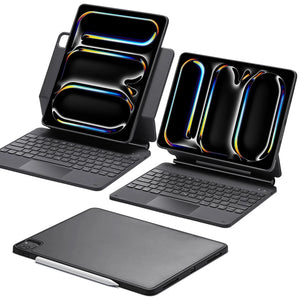



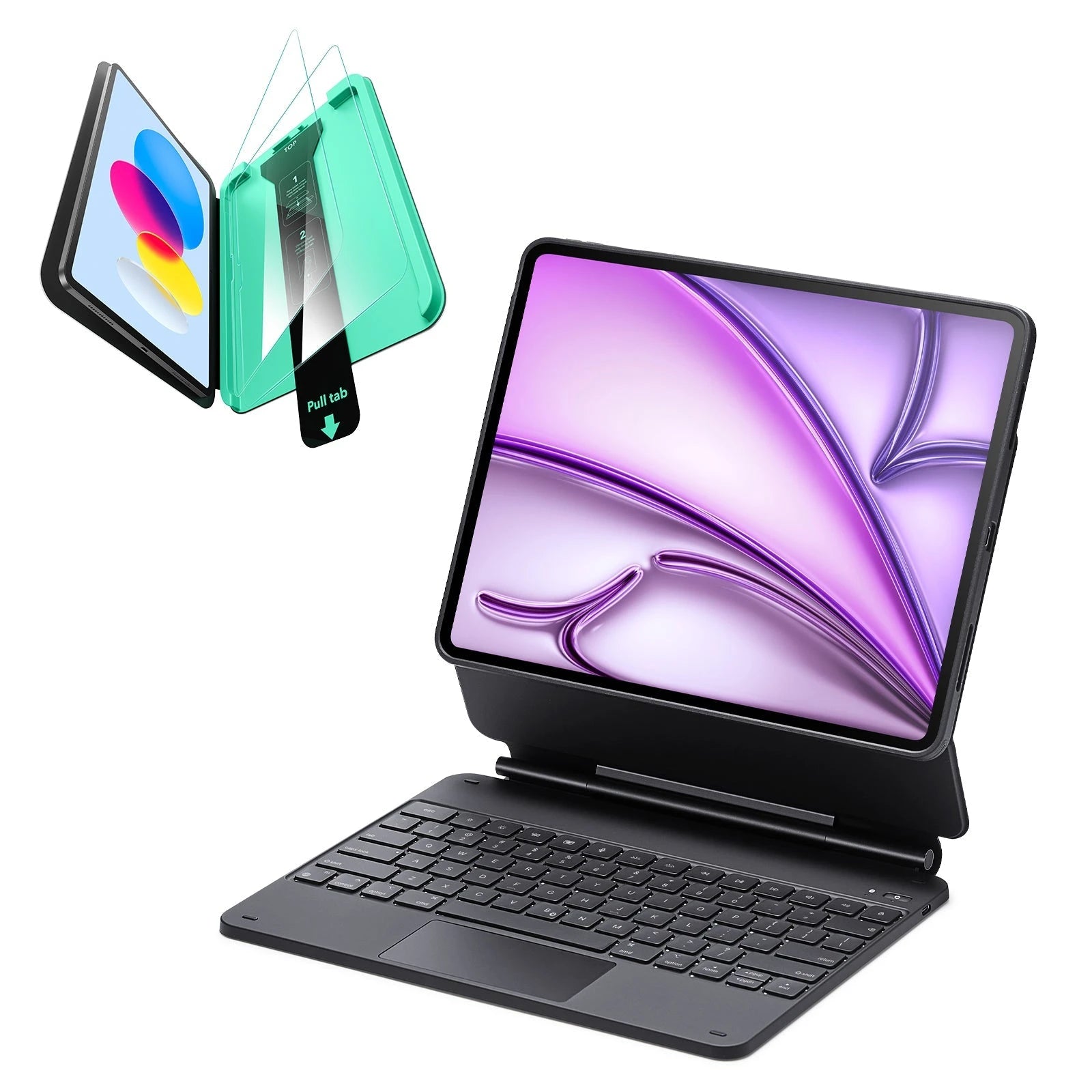
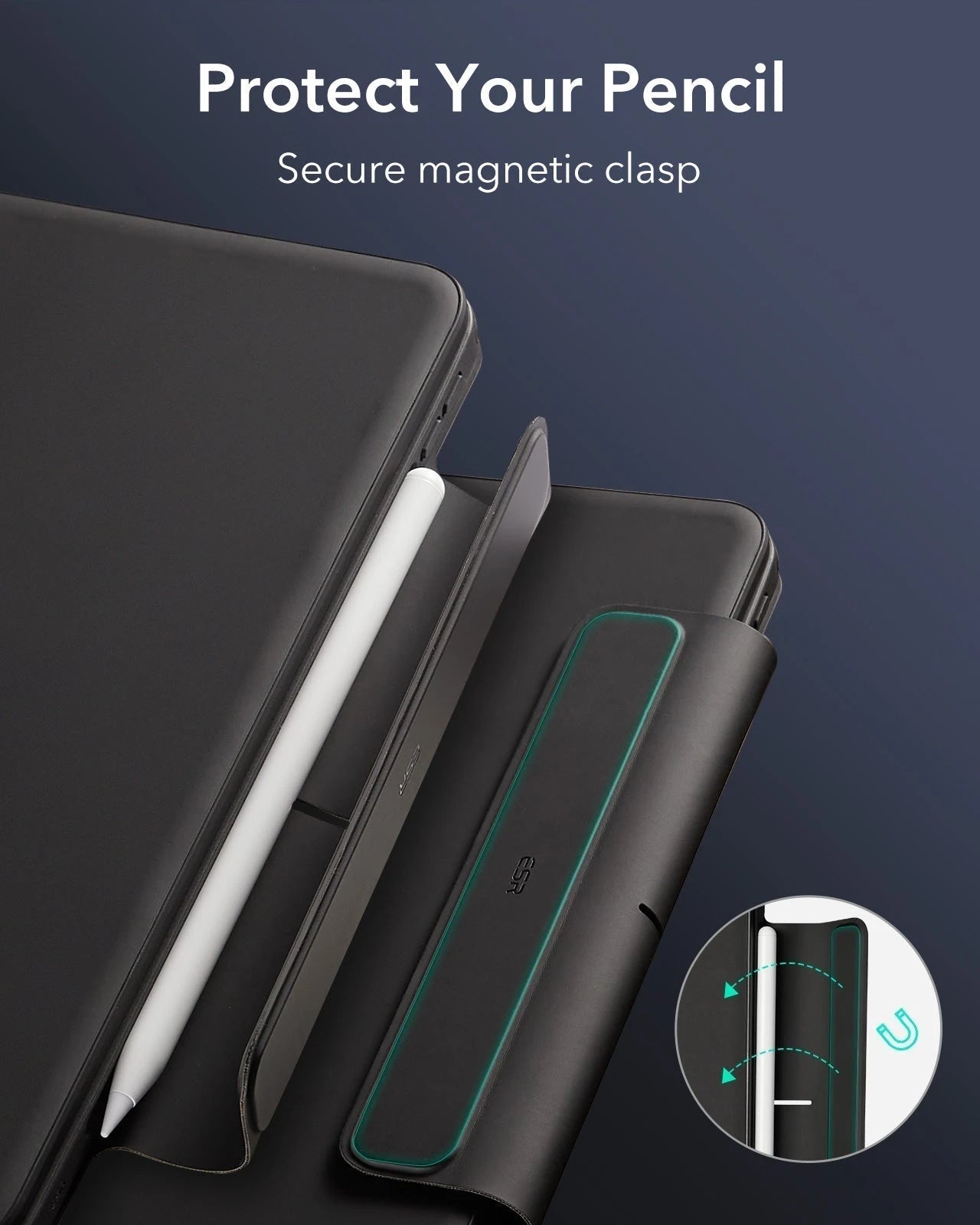
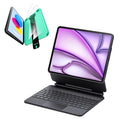
iPad Air 13“ (2025) Rebound Magnetische Tastaturhülle 360 Schutz Bündel-US Layout-Black
20 % auf alles mit Code FINAL20
25 % ab 2 Artikeln mit Code FINAL25
Abholverfügbarkeit konnte nicht geladen werden
Bequem bezahlen


Liefermethode


Kostenloser Versand bei qualifizierten Bestellungen
30 Tage Geld-zurück-Garantie
Lebenslanger Kundenservice
Sichere, einfache Zahlungen
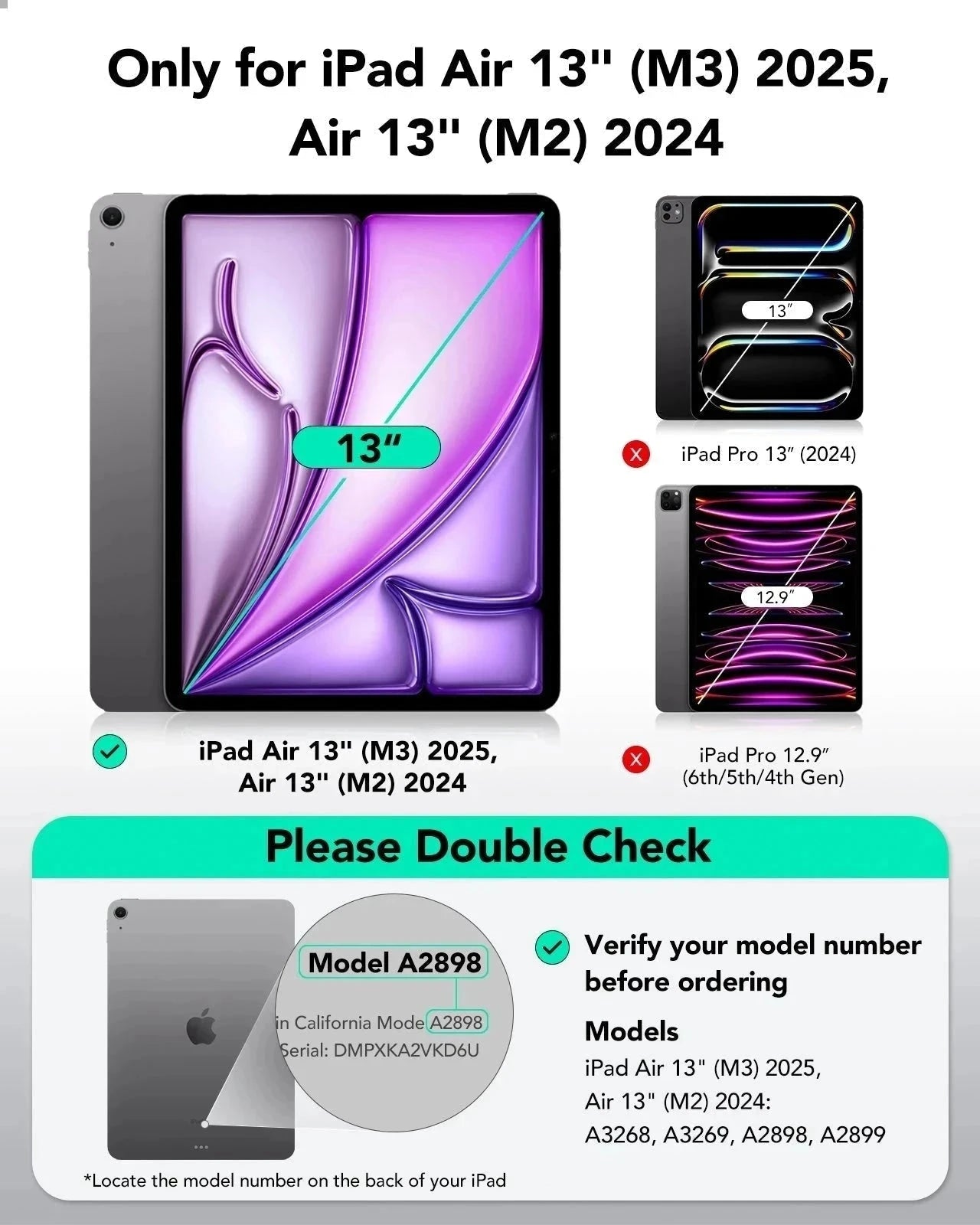
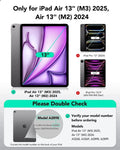
Kompatibilität: Nur für iPad Air 13″ (2025)
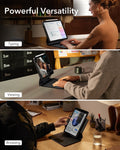
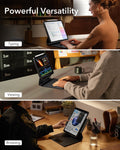
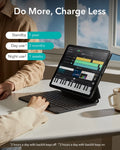
Ortsunabhängiges Arbeiten: Transformiere dein iPad in ein tragbares Produktivitätswunder, mit dem du jederzeit und überall effizient arbeiten kannst
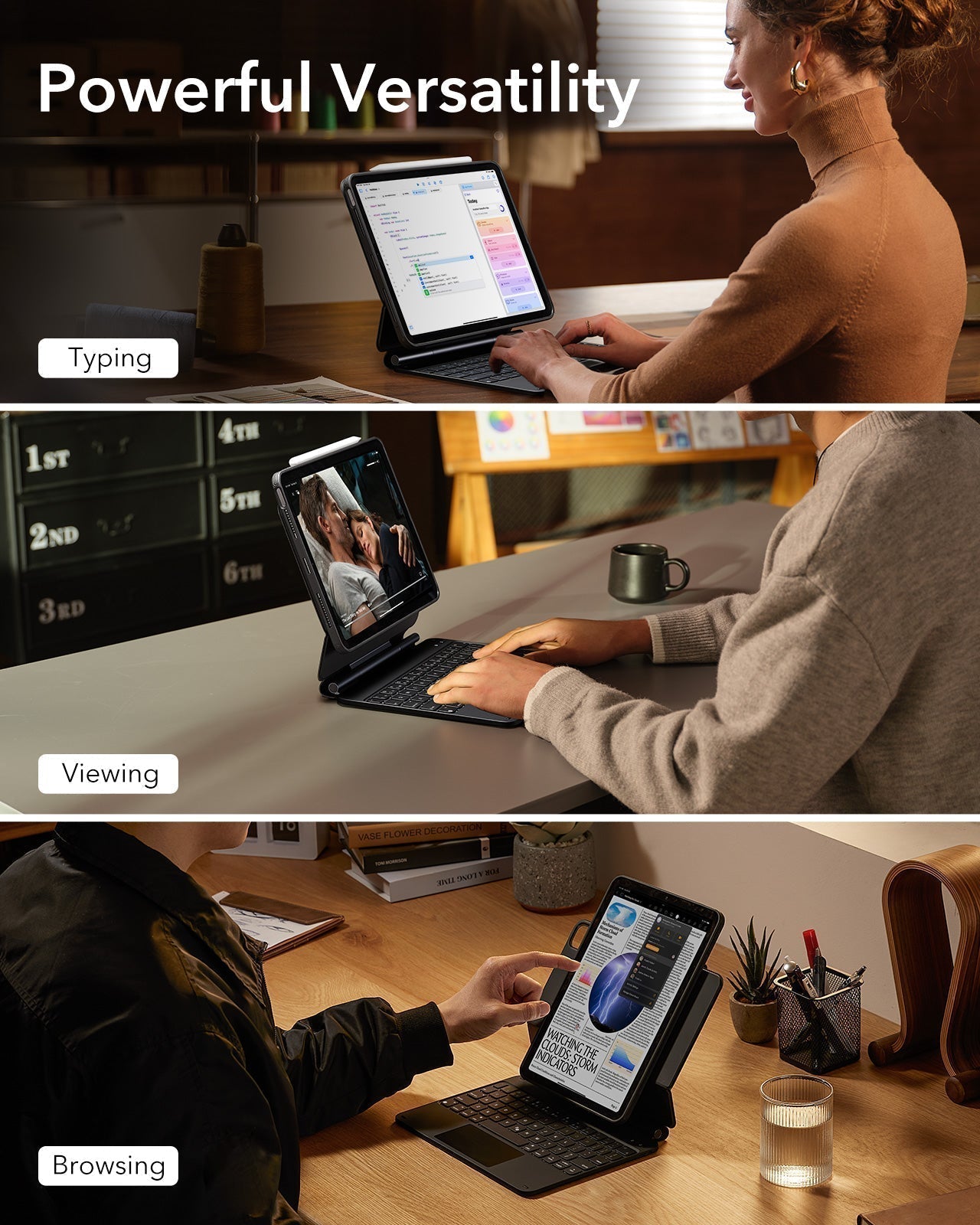
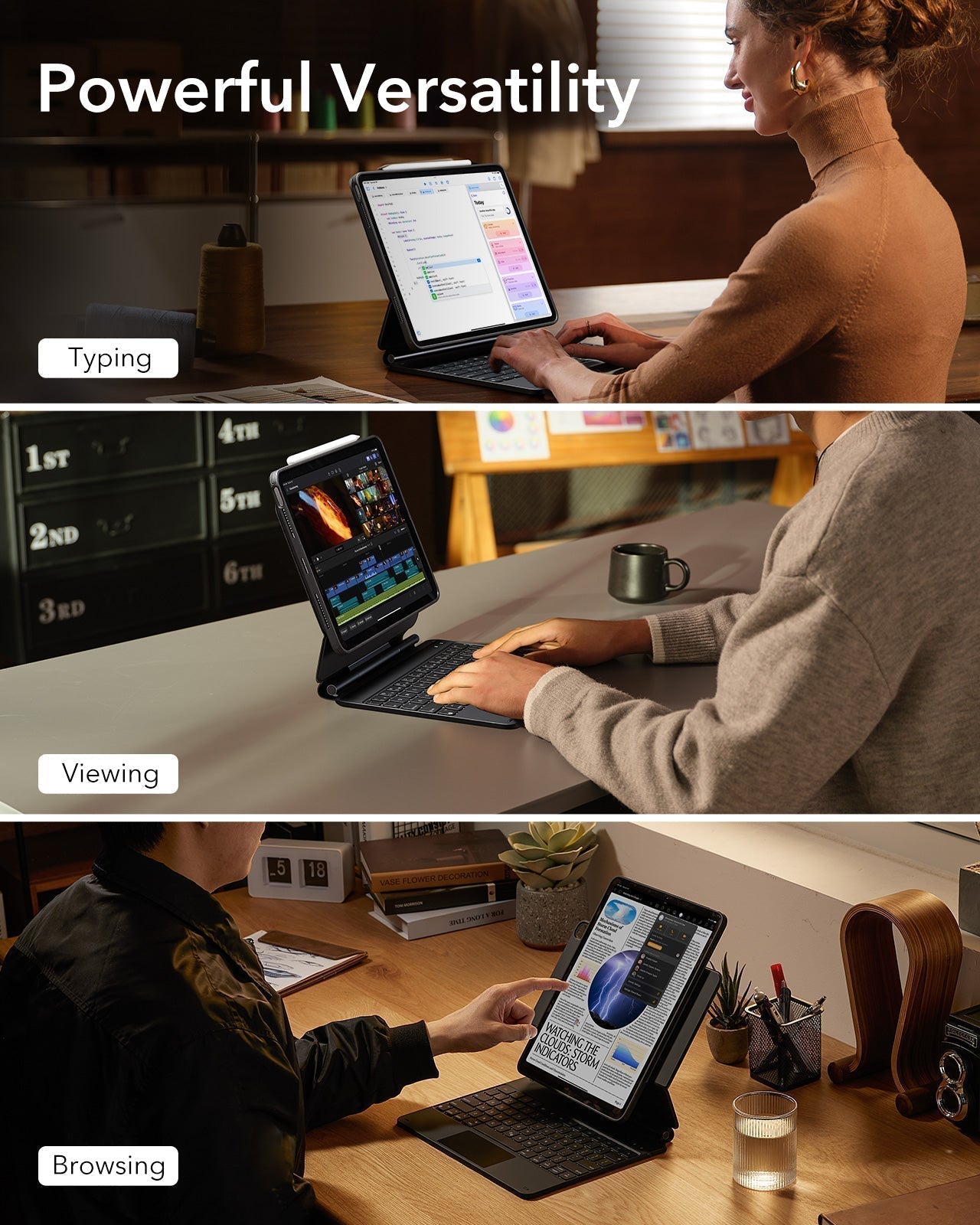
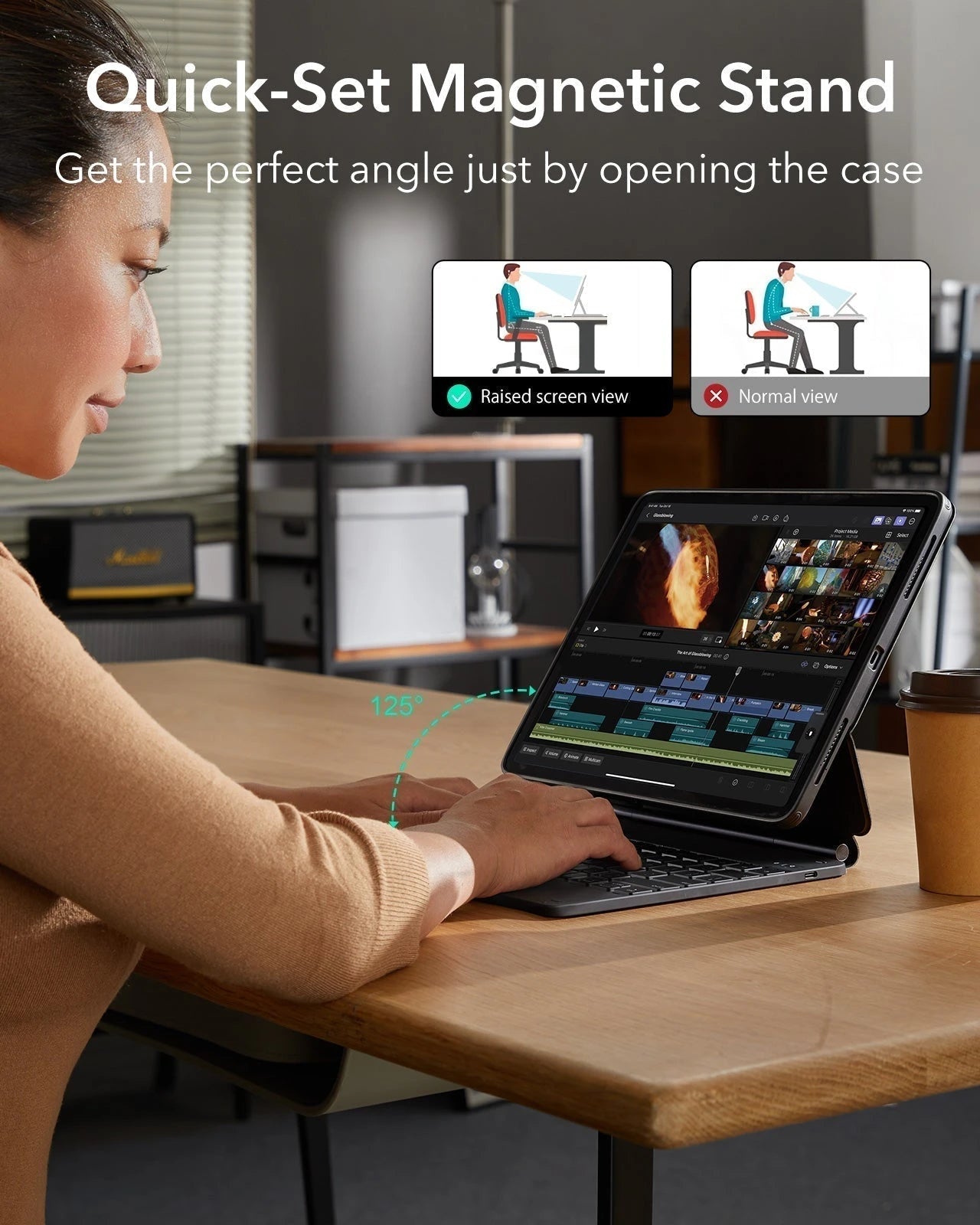
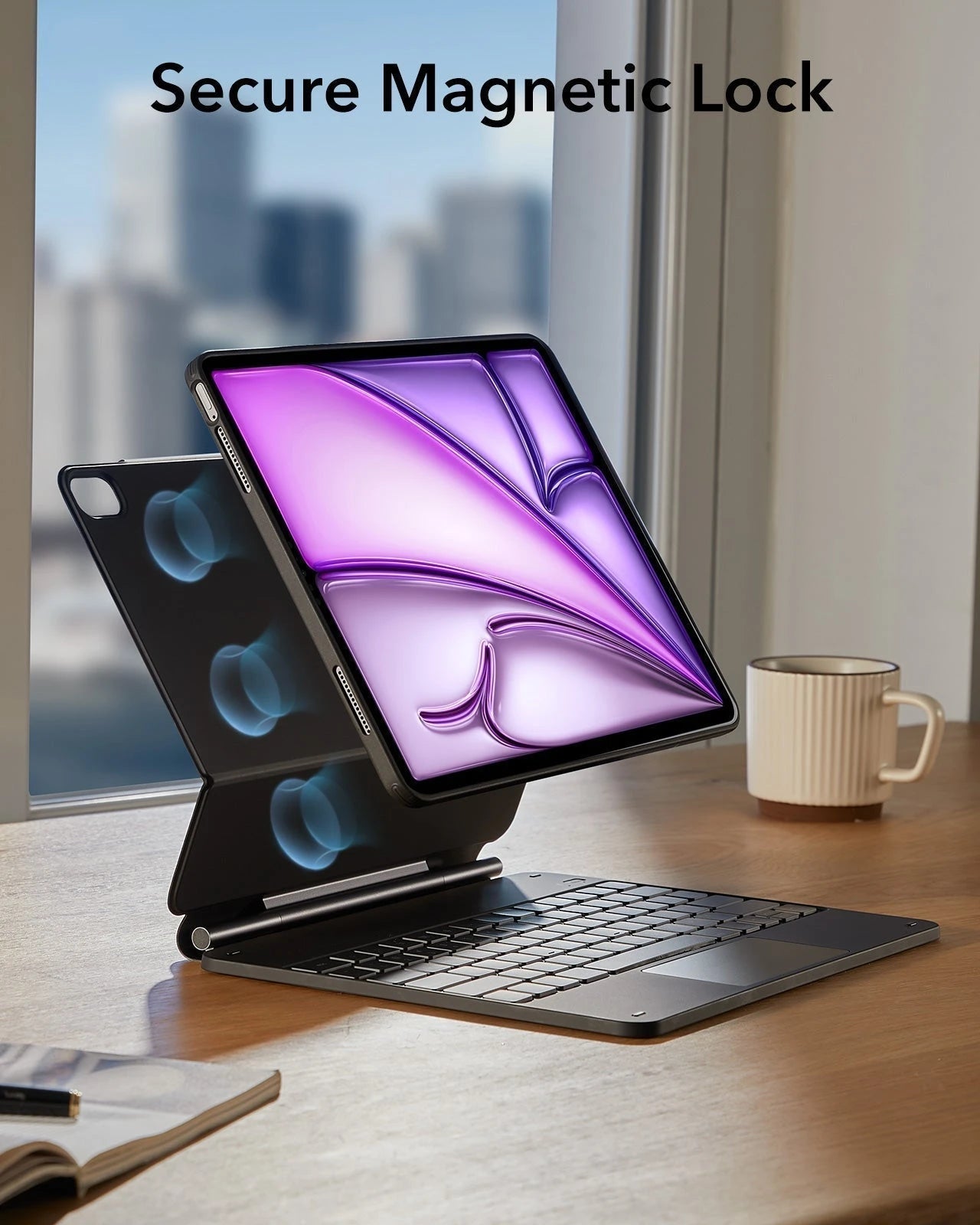
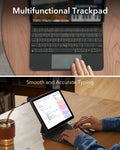
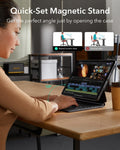
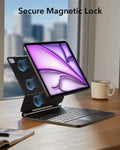
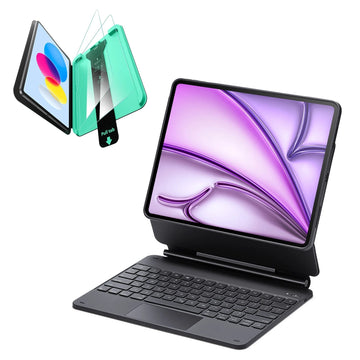
Schnell aufstellbarer magnetischer Ständer: Ultrastarke Magnete verbinden Hülle und Tablet nahtlos miteinander, sodass du den Ständer ganz einfach in den perfekten Winkel zum Tippen oder Surfen bringen kannst
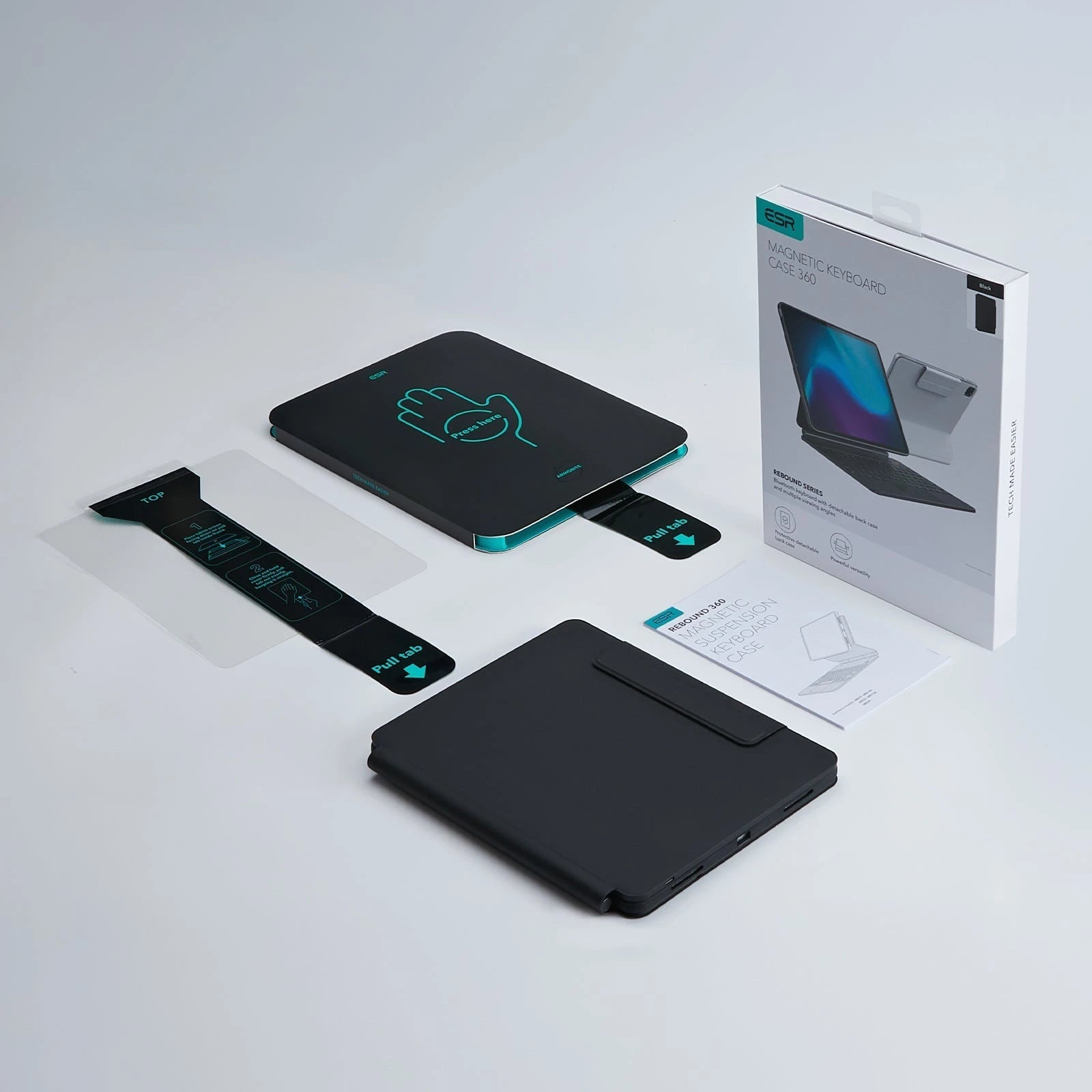
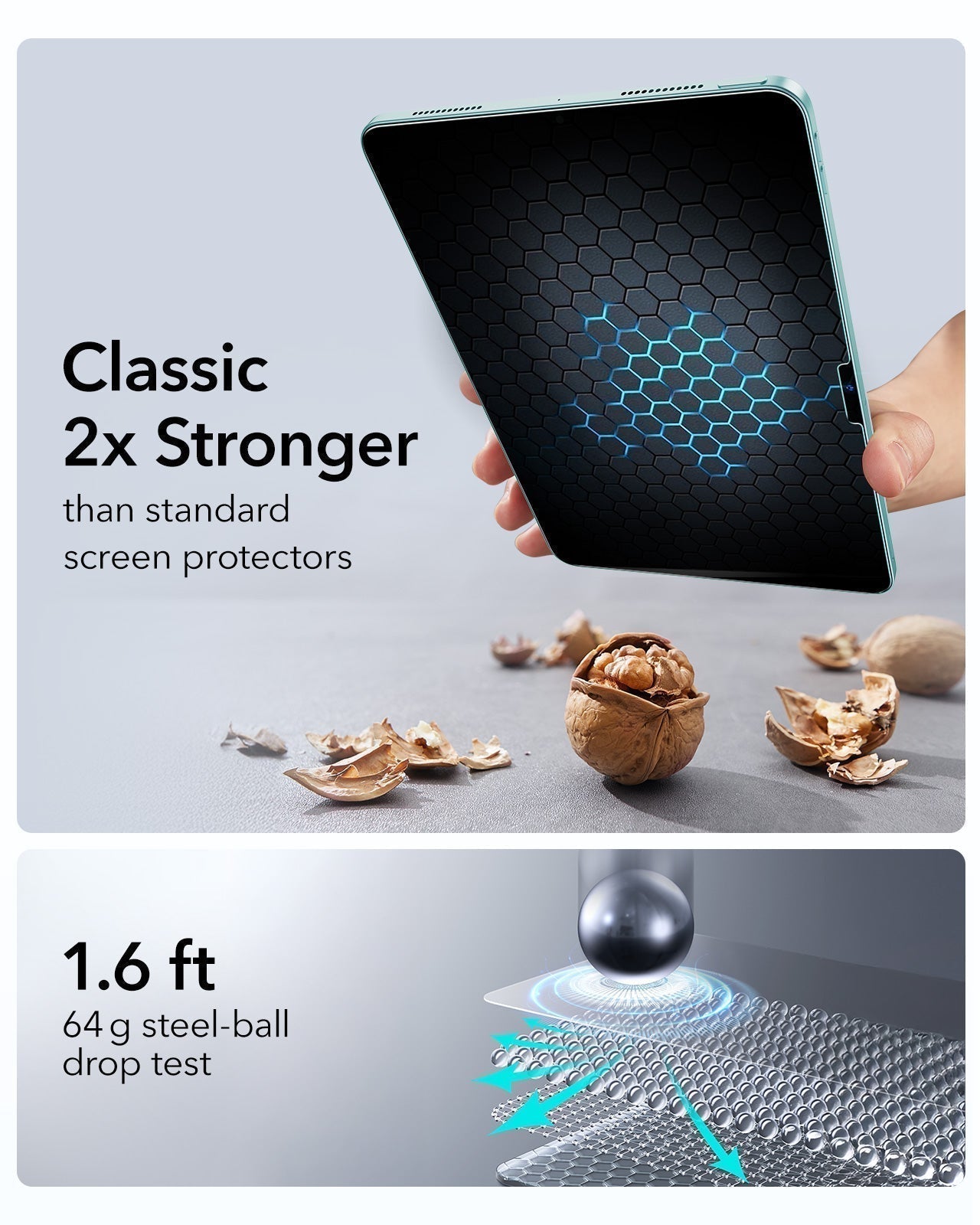
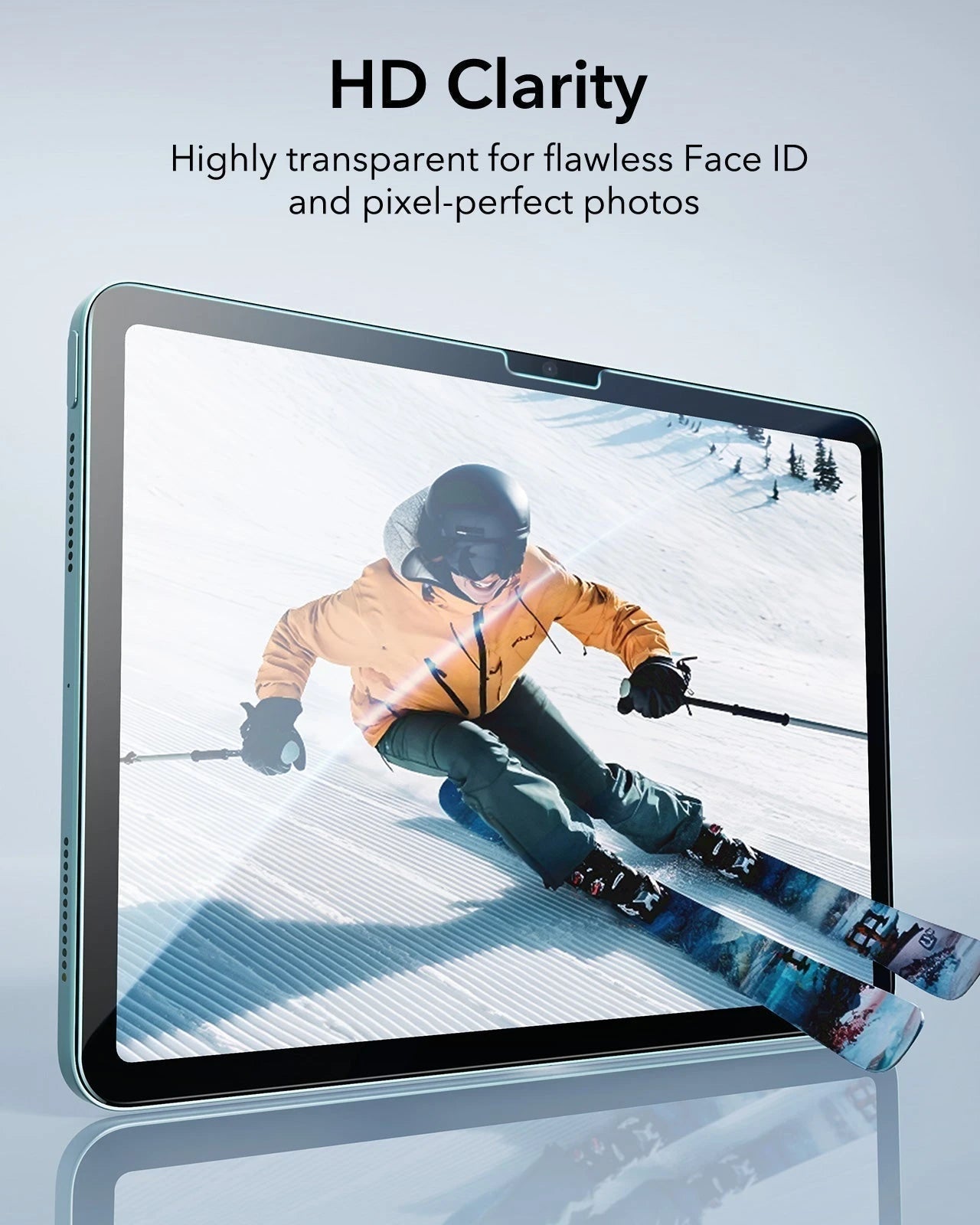
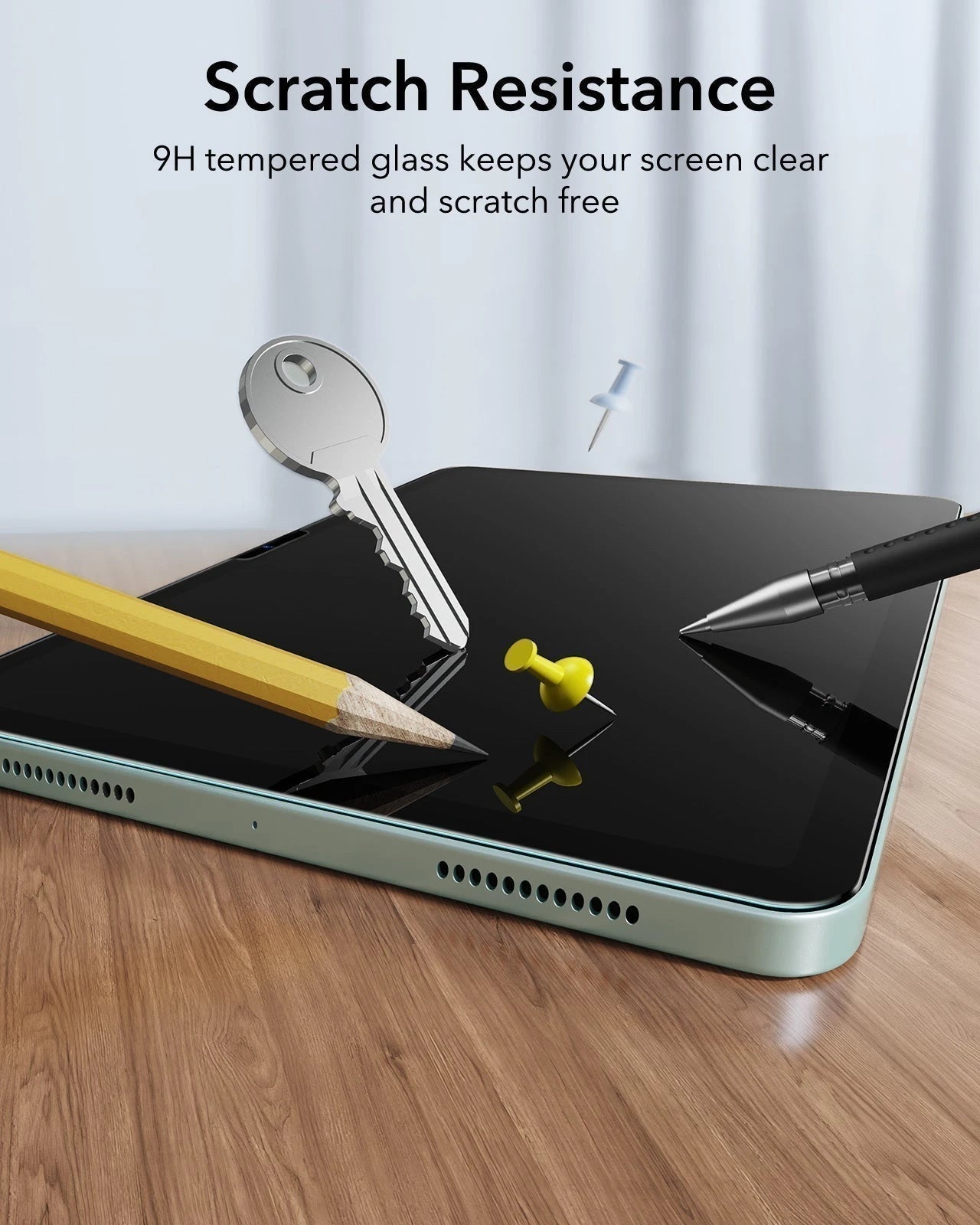
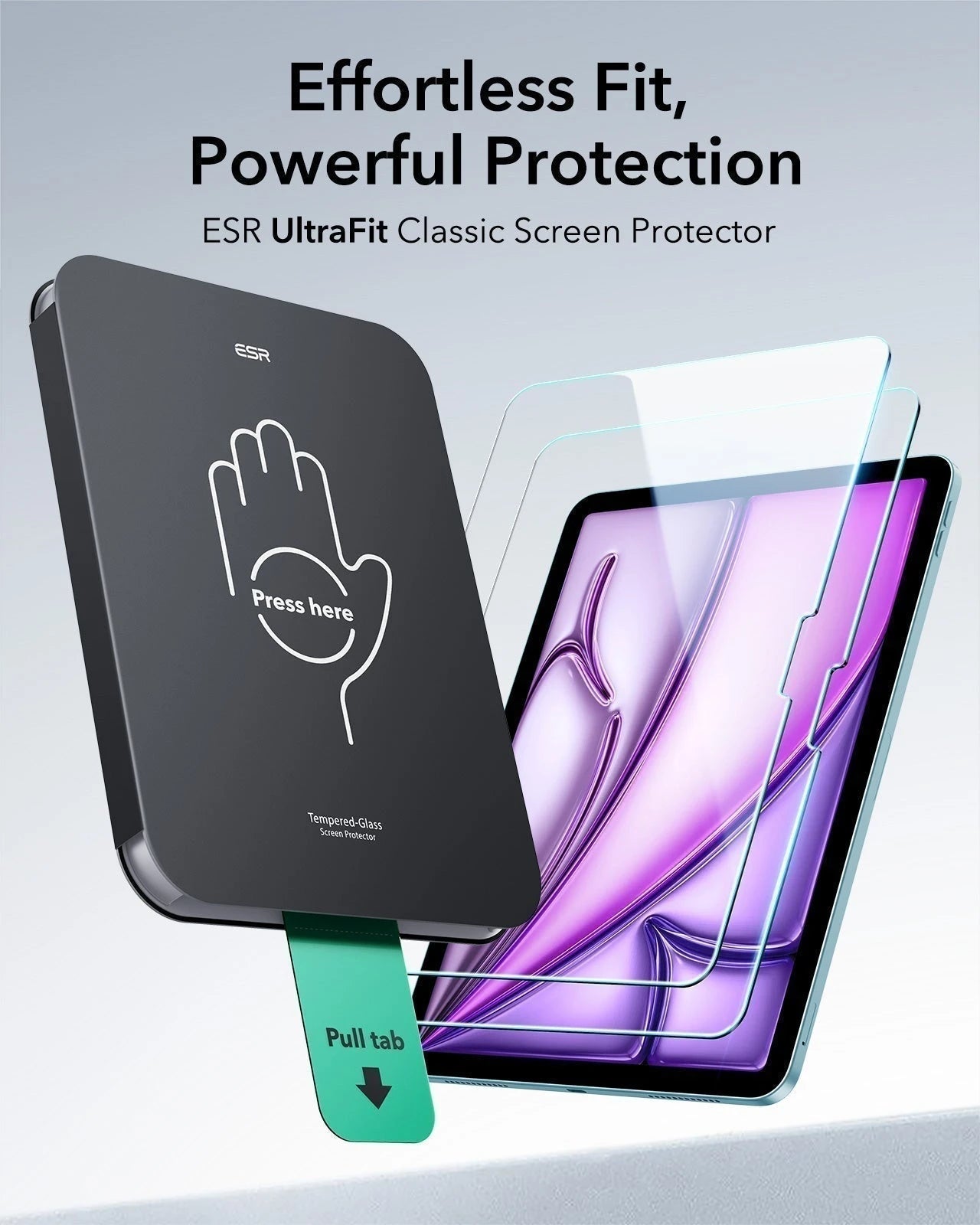
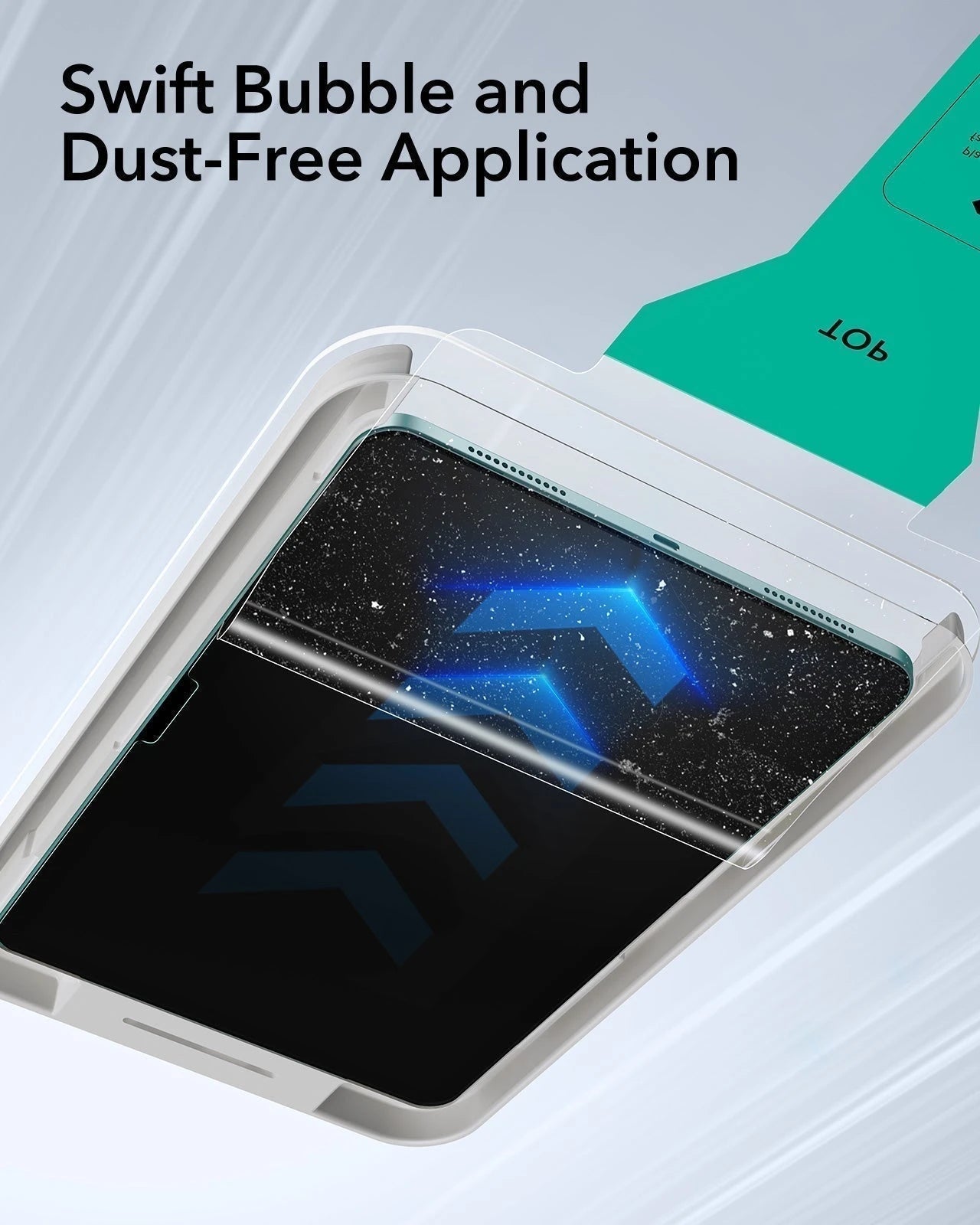
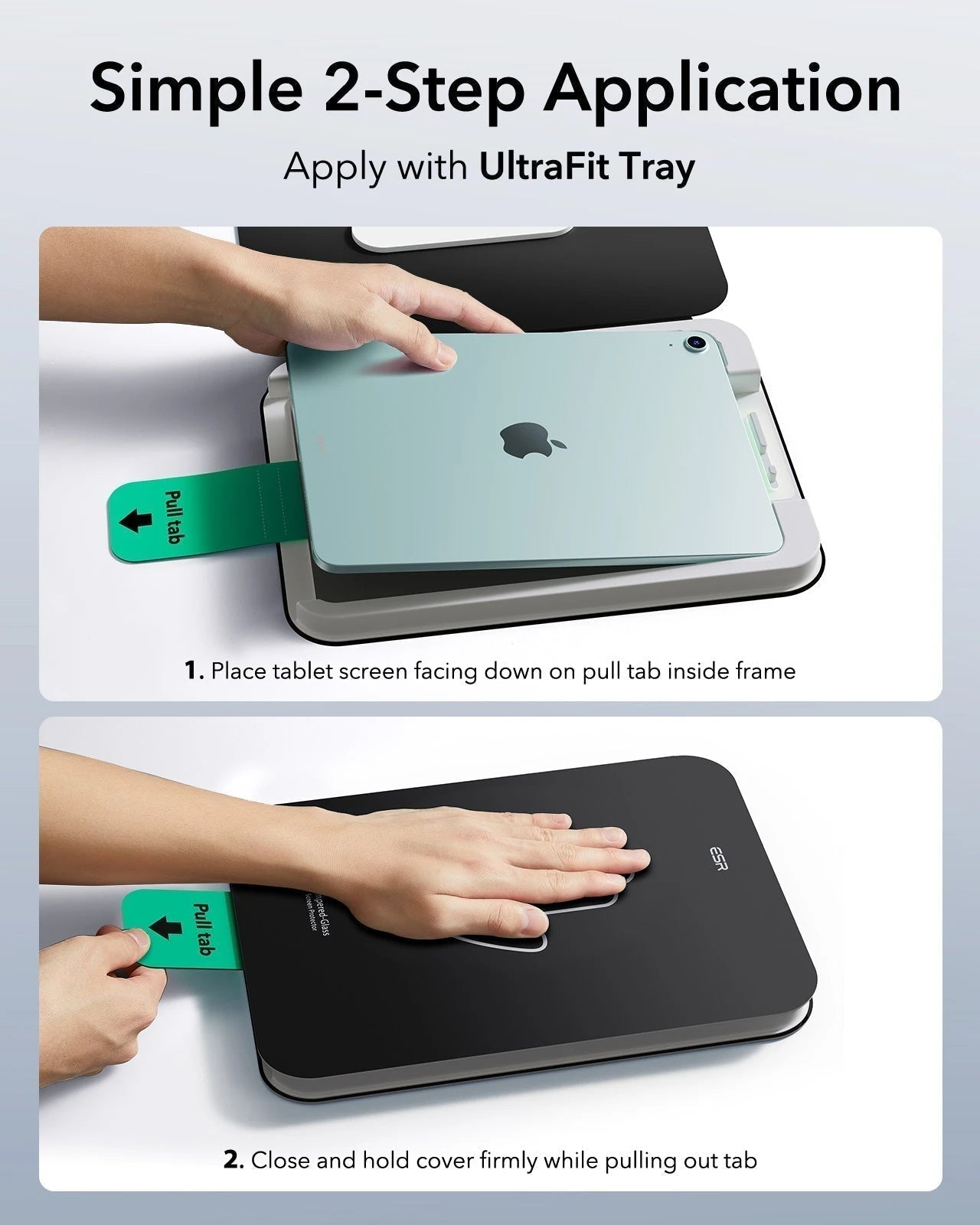
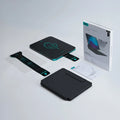
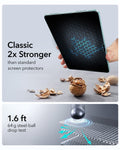
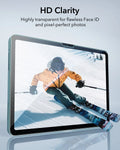
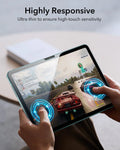
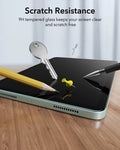
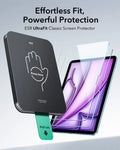
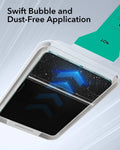
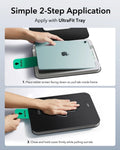
Im Lieferumfang enthalten: Tastatur Hülle 2 Armorite Displayschutzfolien
iPad Air 13“ (2025) Rebound Magnetische Tastaturhülle 360 Schutz Bündel-US Layout-Black
Endlessly Creative, Always Protected


FAQ
Can I use the stand without the case that it comes with on?
Yes. You can attach a caseless iPad in standard landscape orientation to enjoy a comfortable angle to get stuff done at. To enjoy raised screen view or portrait orientation, you’ll need to use the included back case.
Does it have a back case for the ipad?
Yes. The detachable back case attaches magnetically to the back cover of the keyboard. It features a hard polycarbonate back, shock-absorbing flexible sides, and reinforced corners to keep your tablet safe with or without the keyboard.
If I have my own case on my ipad can I attach it the keyboard stand?
No. The keyboard case is designed to be used with a caseless iPad or the included magnetic back case. It cannot be used with an iPad with another case.
If I use it in portrait will it be as stable as in landscape?
Yes. The keyboard case supports landscape, portrait, and raised screen view. Strong magnets in the back cover line up with those in your iPad and back case to ensure a secure lock and a stable stand. When using your iPad in portrait or raised screen view modes, it must have the included back case on; only landscape mode supports use with a caseless iPad.
How do I connect the bluetooth?
First short press right/left option + B to put the keyboard into pairing mode. Once in pairing mode, go to Settings > Bluetooth > Other Devices and connect to “ESR Keyboard”. Check out the video for full instructions on how to connect your keyboard.
Can I change the brightness of the backlight?
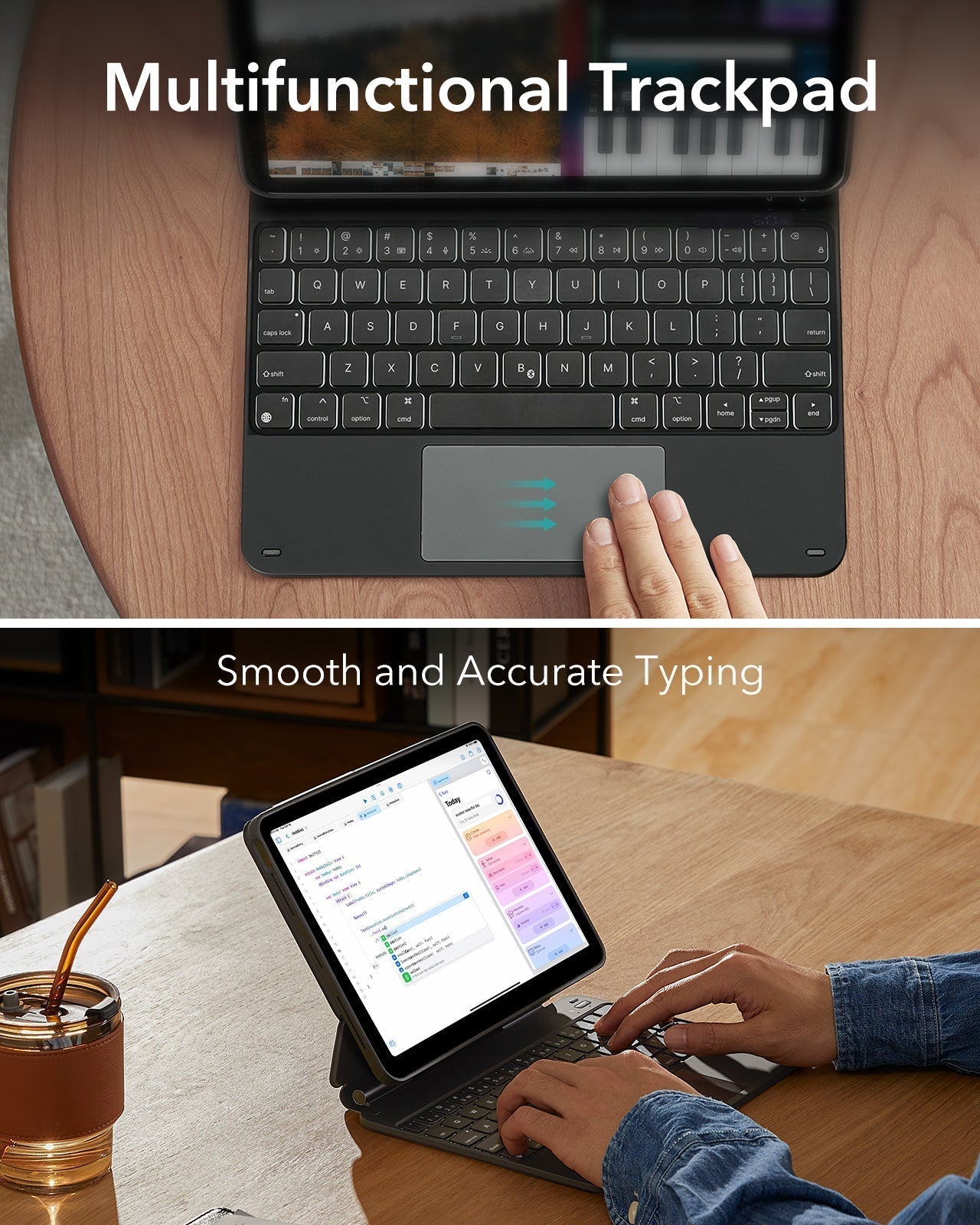
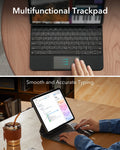
Yes. Press right/left option + backlight key (in top left corner) to turn the backlight on or off and adjust the brightness level (low, medium, high).
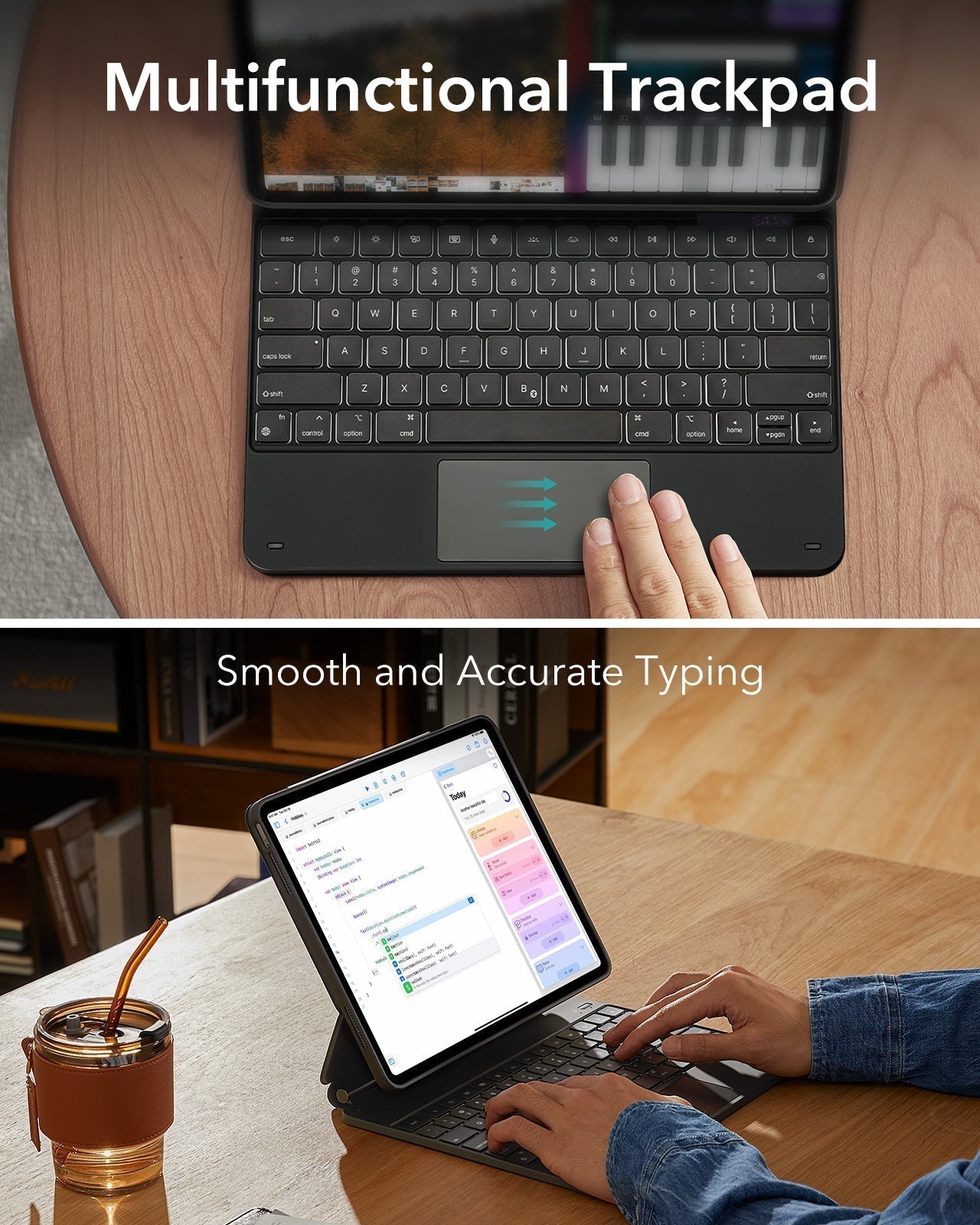
My trackpad won’t work. Help!
When AssistiveTouch is enabled, it can cause the trackpad to become unresponsive. To fix this issue, disable AssistiveTouch by going to Settings > Accessibility > Touch > AssistiveTouch > Turn off “AssistiveTouch”.

Free shipping on qualified orders

30-Day Money-Back Guarantee

Lifetime Customer Support

Secure, Easy Payments
Secure, Easy Payments
Free shipping on qualified orders
30-Day Money-Back Guarantee
Lifetime Customer Support
Secure, Easy Payments
Free shipping on qualified orders

