








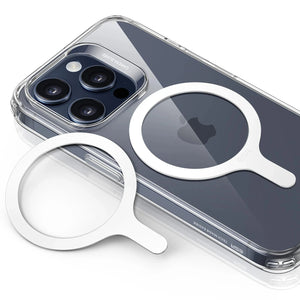


ESR Tempered-Glass Privacy Screen Protector for iPhone
Select a Model
Video is coming soon
FAQ
Need help? Our support team will reply within one business day.
Useful?
ESR Tempered-Glass Privacy Screen Protector for iPhone
Select a Model
Video is coming soon
FAQ
Bubbles under your device's screen protector are often caused by dust or air trapped between the screen and the protector.
If bubbles appear, gently lift the nearest corner of the screen protector to remove them. For any white edge gaps, push down and move air bubbles toward the edges using a microfiber cloth. Alternatively, you can use a credit card, ID card, or cardboard scraper to remove air bubbles.
If you still can't remove the bubbles, you may need to apply a new screen protector. Contact us if you need a replacement.
Make sure the surface is clean and dust-free. Follow the application instructions closely to ensure everything is properly aligned and stays in place.
Our screen protectors with UltraFit tray are designed to leave space for most phone cases. If your case wraps tightly around the edges, it may interfere with the protector. We recommend using an ESR case or an official Apple case for optimal compatibility.
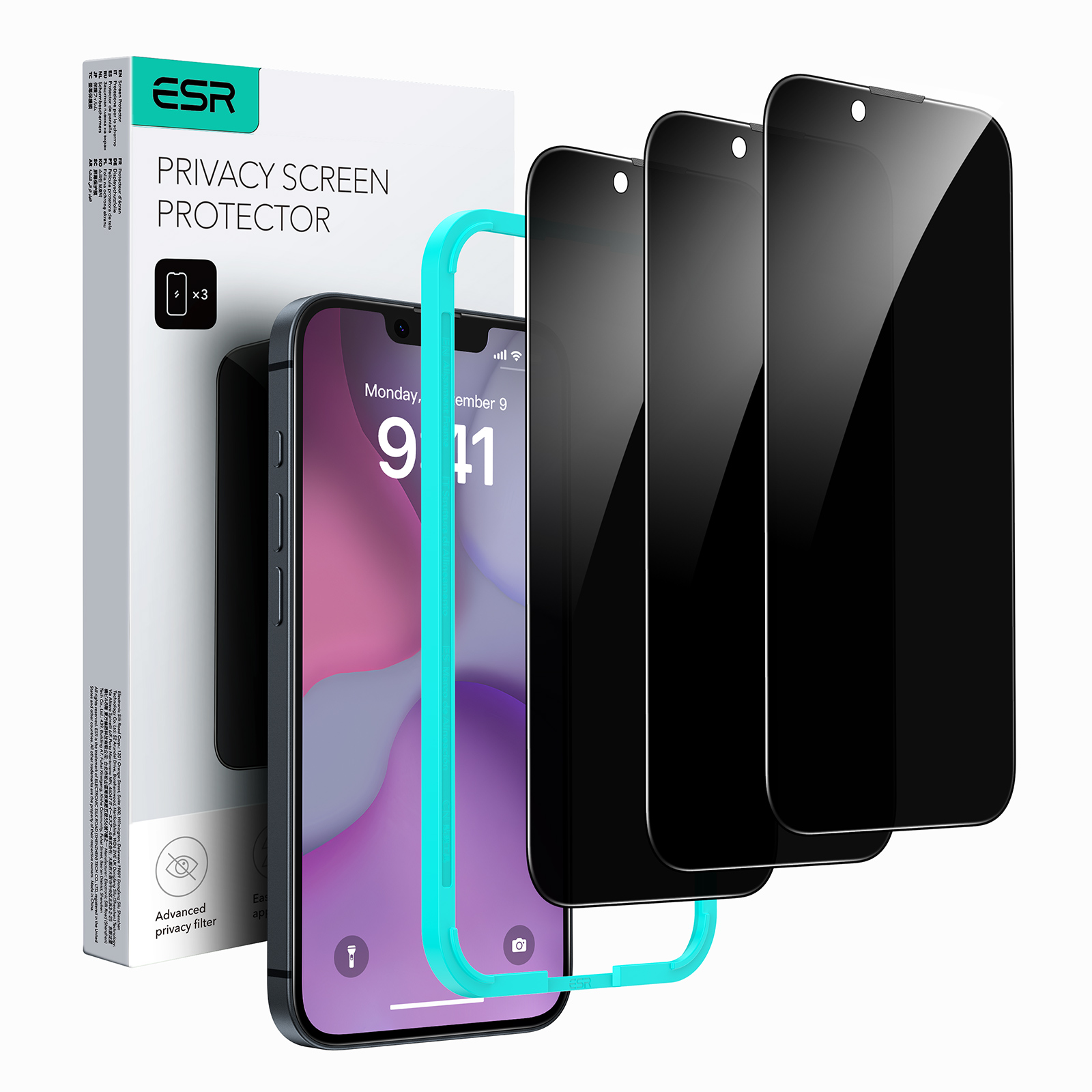
The Tempered-Glass Privacy Screen Protector features a 180-degree privacy filter, which has a higher light transmission for a clearer display and blocks viewing from any angle greater than 28 degrees left and right in portrait mode.
If you notice that your display is a little darker after applying this privacy screen protector, increasing your phone's screen brightness will solve this issue.
However, please avoid increasing your screen brightness too much as this may cause eye fatigue and dizziness after extended periods of use.
The privacy effect works by limiting the viewing angle of your screen. Its performance can vary depending on viewing angle, screen brightness, and surrounding lighting conditions.
For optimal results, keep the screen facing you directly and adjust the brightness to around 60%. Moderate ambient lighting also helps maintain a clear view for you while restricting side views.
After installing the screen protector, re-register Face ID in your phone settings for the best results.
During setup, hold your phone about 30–50 cm (12–20 in) from your face, look directly at the screen, and make sure the screen brightness is set appropriately while completing the scan.
Need help? Our support team will reply within one business day.
Useful?


