






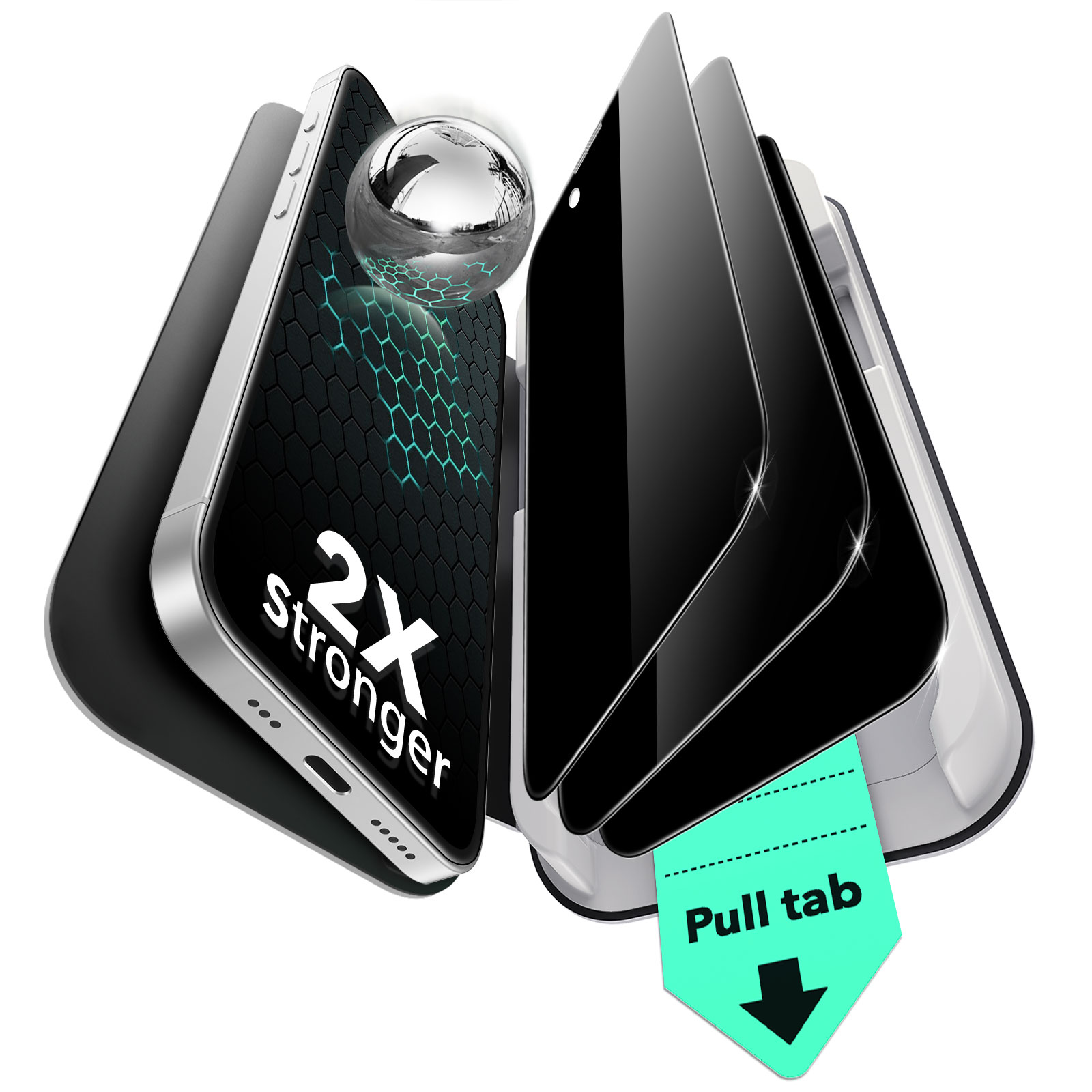
ESR Tempered-Glass Privacy Screen Protector for iPhone
Select a Model
Video is coming soon
FAQ
Need help? Our support team will reply within one business day.
Useful?
ESR Tempered-Glass Privacy Screen Protector for iPhone
Select a Model
Video is coming soon
FAQ
Bubbles under your device's screen protector are often caused by dust or air trapped between the screen and the protector.
If bubbles appear, gently lift the nearest corner of the screen protector to remove them. For any white edge gaps, push down and move air bubbles toward the edges using a microfiber cloth. Alternatively, you can use a credit card, ID card, or cardboard scraper to remove air bubbles.
If you still can't remove the bubbles, you may need to apply a new screen protector. Contact us if you need a replacement.
Make sure the surface is clean and dust-free. Follow the application instructions closely to ensure everything is properly aligned and stays in place.
Carefully lift the corners to release any trapped air bubbles and avoid tearing. Keep the protector away from sharp objects and avoid bending it.
When placing the phone, gently press on the back panel of the UltraFit tray and make sure it is securely fit. To remove it, lightly pull on the edges of the phone without forcing it out.
The privacy effect works by limiting the viewing angle of your screen. Its performance can vary depending on viewing angle, screen brightness, and surrounding lighting conditions.
For optimal results, keep the screen facing you directly and adjust the brightness to around 60%. Moderate ambient lighting also helps maintain a clear view for you while restricting side views.
Tempered-glass screen protectors are designed to provide strong protection. To keep them in optimal condition, proper installation and everyday care are important.
During installation or removal, handle the protector with care, especially when peeling off the film, removing air bubbles, or lifting a used protector.
In daily use, keep your phone away from hard or sharp objects such as keys, and avoid strong impacts on the edges or applying excessive pressure.
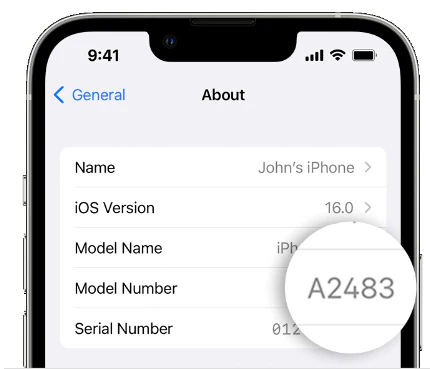
If the screen protector you ordered doesn't fit your device, please provide your device model name or model number. We'll send you the correct size at no additional cost, and no return is required.
To find your device model on an iPhone, go to Settings > General > About > Model Name / Model Number.
Need help? Our support team will reply within one business day.
Useful?


