


Best Bluetooth iPad Air 11-inch M4 Tablet Keyboard Case - Detachable Trackpad, Magnetic Stand & Full Protection(2026)
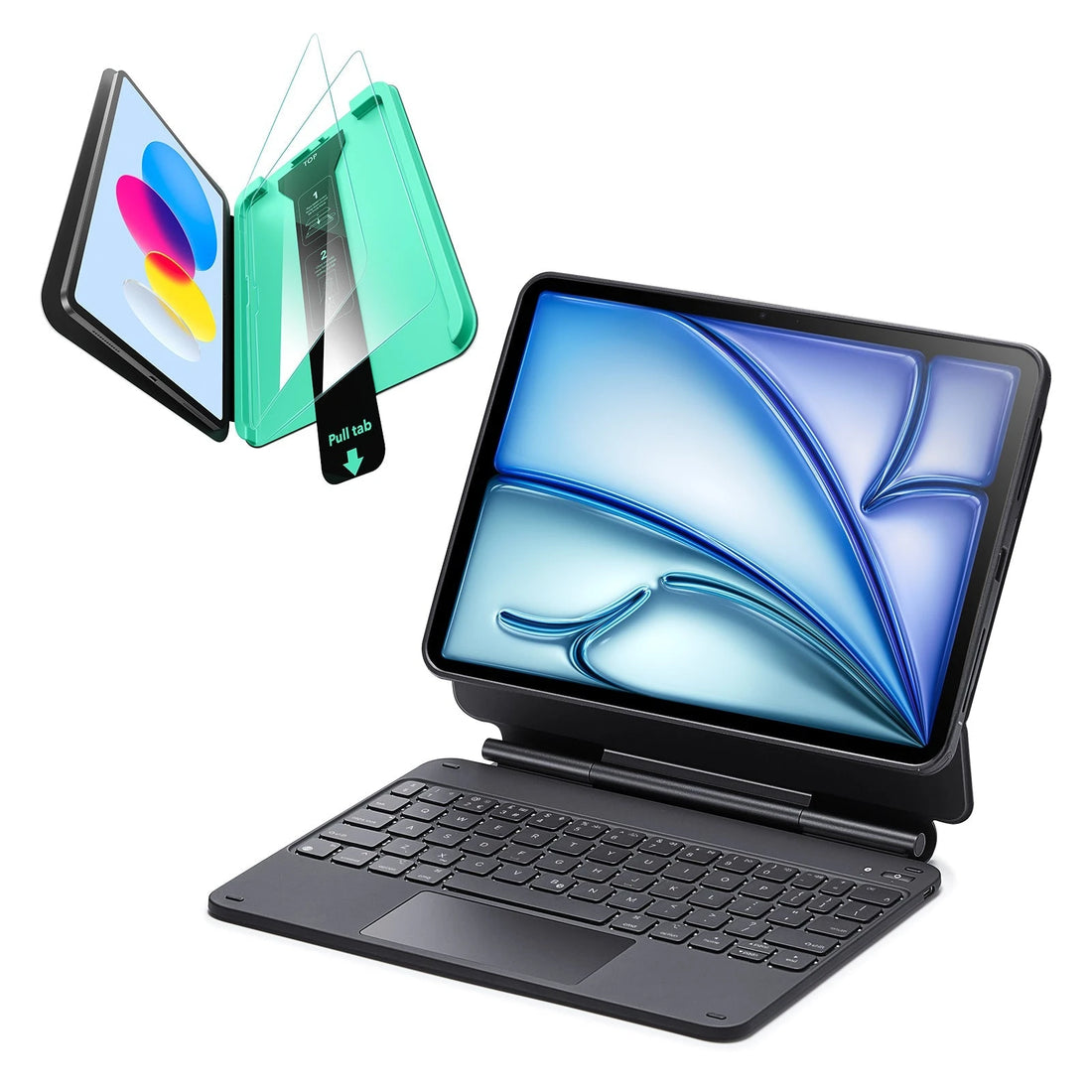
Turn your iPad Air 11-inch (M4) 2026 into a true productivity workstation with ESR’s premium keyboard case lineup. Designed for the iPad Air 11″ (M4) (2026), these keyboard cases offer a typing experience comparable to Apple’s Magic Keyboard—at a more accessible price.
Highlights include:
● Magnetic Stand – laptop mode with adjustable viewing angles
● Large Precision Trackpad – Full iPadOS gesture support with smooth, MacBook-like control
● RGB Backlit Keyboard – 7-color lighting with up to 200 hours of battery life
● Military-Grade Protection – Drop-resistant design with built-in Apple Pencil holder
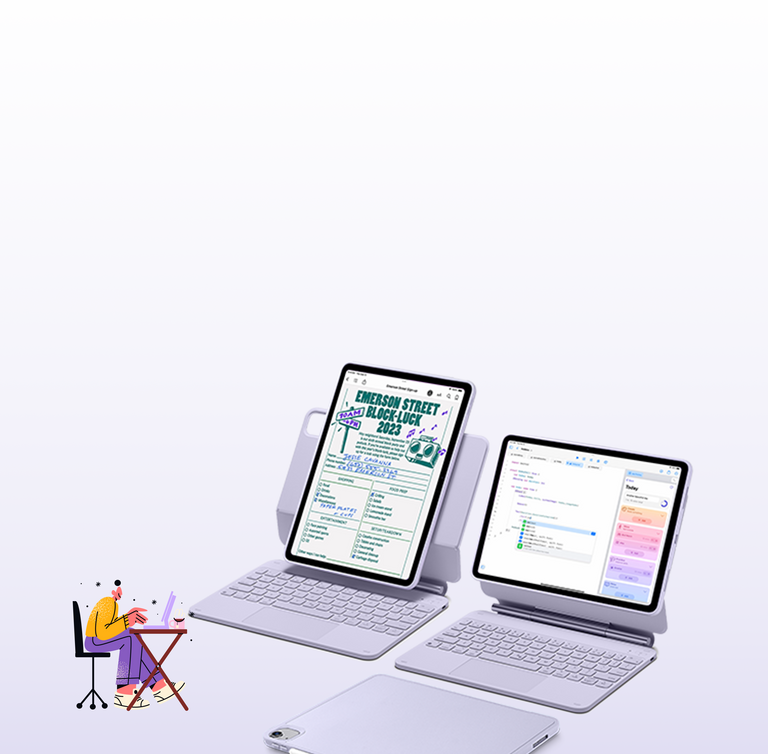
Ideal for students taking notes, creators working on the move, and professionals handling daily tasks in offices, cafés, or boardrooms. ESR iPad Air 11-inch (M4) keyboard cases balance productivity, protection, and portability—without unnecessary complexity.


Trackpad Gestures on New iPad Air 11-inch (M4) 2026
With the M4 chip and 12GB of RAM, the iPad Air (2026) handles iPadOS 26’s "Liquid Glass" interface with zero latency. Navigating this desktop-class power requires mastering these essential trackpad gestures:
● Home: Pinch four fingers or swipe up with three.
● App Switcher: Swipe up with three fingers and pause.
● Switch Apps: Swipe left or right with three fingers.
● Secondary Click: Tap with two fingers for right-click menus.
● Zoom: Pinch open or closed for 4K timelines.
Paired with the ESR Rebound Magnetic Keyboard Case, the larger glass trackpad allows for the precision needed for "Image Wand" AI tools and complex multitasking. It effectively turns your 11-inch or 13-inch iPad Air into a professional-grade laptop replacement.
ESR iPad Air 11" M4 keyboard case vs Apple Magic Keyboard - key differences?
Apple Magic Keyboard = premium aluminum build, but no back case protection.
ESR delivers what many users consider the best alternative to the Apple Magic Keyboard by combining a protective case with a comfortable typing experience. Features like backlit keys, a responsive multi-touch trackpad, and long battery life make the keyboard ideal for daily work. Unlike Apple’s option, ESR keyboards protect your iPad from drops and scratches while remaining wireless, magnetic, and easy to remove.
ESR keyboard lineup:
● Shift Keyboard
● Rebound Magnetic Keyboard (no back case)
● Rebound Magnetic Keyboard 360 (with magnetic back case)
Can I detach the ESR keyboard and use my iPad Air 11" (M4) in tablet mode?
Yes. ESR’s magnetic and detachable keyboard design lets you remove the keyboard instantly while keeping the back case attached. In tablet-only mode, the case still provides up to 4.5 ft drop protection, a raised bezel, and a built-in pencil holder. With Bluetooth connectivity, you can use the keyboard up to 10 meters away from the iPad. When you’re ready, the keyboard snaps back into place securely—no extra pairing or setup required.
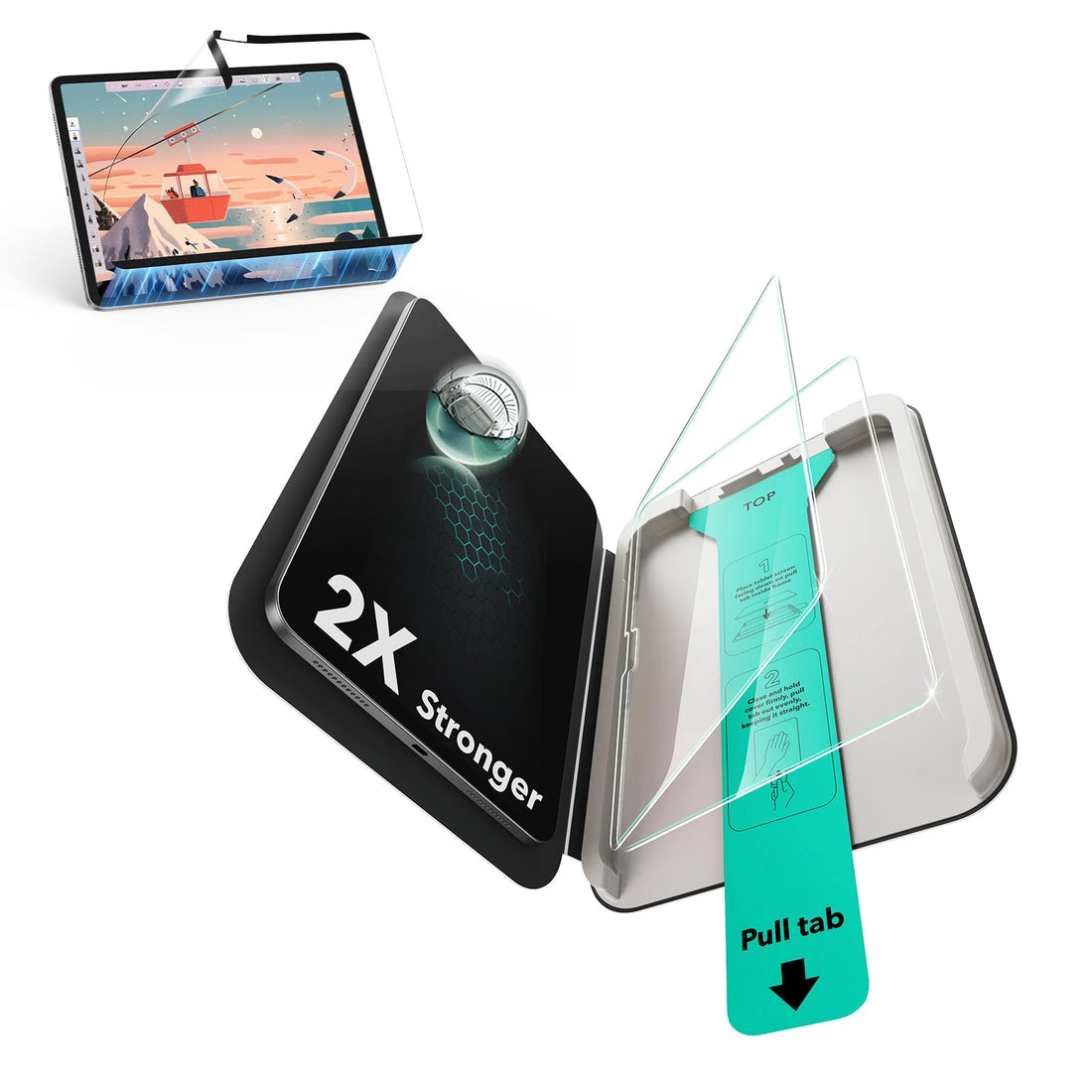
Do I need a screen protector if I already have an iPad Air 11" (M4) keyboard case?
Yes, a screen protector is still strongly recommended. Even with a keyboard cover, fine dust or sand particles can become trapped between the screen and the cover, causing scratches when the case is closed or during movement. In addition, when you remove the iPad from the keyboard case for handheld use, a screen protector adds an extra layer of protection against accidental drops and impacts.
Does the ESR keyboard case support iPadOS trackpad gestures on iPad Air 11-inch (M4)?
Yes. The built-in multi-touch trackpad fully supports standard iPadOS gestures on the iPad Air 11-inch (M4). This includes two-finger scrolling, pinch-to-zoom, three-finger app switching, four-finger multitasking gestures, and two-finger secondary click for context menus. All gestures can be adjusted in iPadOS Settings for a personalized experience.
Are ESR iPad Air 11-inch (M4) keyboard cases easy to set up?
Absolutely. The keyboard cases are designed for a simple, hassle-free setup. Just snap your iPad into the case, power on the keyboard, and connect with Bluetooth. Once paired, it is ready to use immediately—no tools, no complicated steps, and no technical knowledge required.
Can I charge my iPad Air 11-inch (M4) without removing the keyboard case?
Yes. The keyboard case includes a precisely positioned charging port opening, allowing you to charge your iPad Air 11-inch (M4) while the case is installed. This lets you work, type, or browse without interruption.
Will ESR keyboard cases for iPad Air 11" (M3) fit the iPad Air 11" (M4)?
While the dimensions are similar and the case may fit, ESR recommends choosing the keyboard case designed specifically for the iPad Air 11" (M4). Newer models ensure precise cutouts, optimal stand angles, and the best experience for your device.
Get Most On ESR
- Featured
- Most relevant
- Best selling
- Alphabetically, A-Z
- Alphabetically, Z-A
- Price, low to high
- Price, high to low
- Date, old to new
- Date, new to old